



Web Panel

Bring web screens from PLCs, SCADA and MES straight to the on-site touch panel: with a built-in browser and VNC client, set the start page and network parameters once in the HMI Configuration Center and every power-up opens them full screen — no secondary development on the terminal.

Web-based visualisationBuilt-in browserHMI Configuration CenterFull screen at boot10.1″ / 15.6″
Product Selector
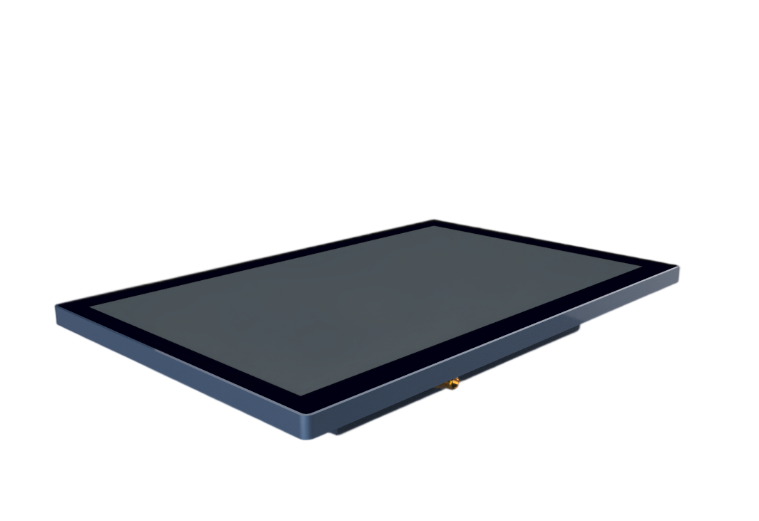
LM Gateway HMI Series interface preview

A display terminal built for web-based visualisation

Whether you are adding an operator screen to existing machinery or developing a companion display for a new machine, how quickly it can be connected to the whole system always comes first, so interfaces and performance both have to be considered. If a standard Web Panel cannot meet every requirement straight away, we can adapt it with you for your specific application.

Today's increasingly powerful PLCs publish control states directly through web visualisation. With the Web Panel as the HMI, operators can read that data at any time and intervene whenever they need to. Our Web Panel offers the universal HTML5 standard, and combined with this universal way of communicating it is exceptionally flexible in use; because it is platform-independent, both PLC-based and IPC-based controllers can be connected.

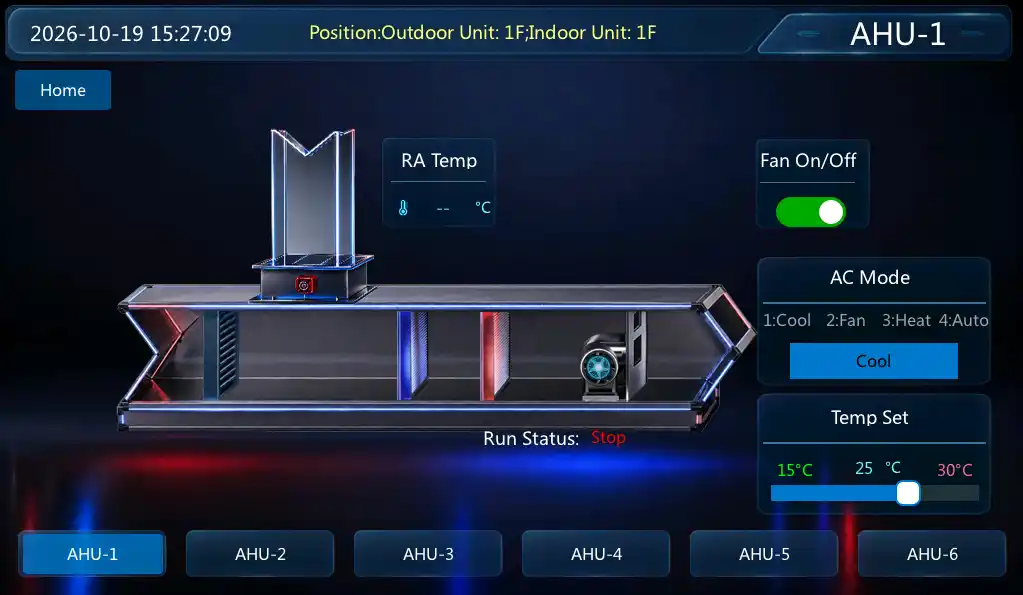
Web visualisation screen running on a Web Panel
HTML5 web screens presented full screen on the terminal

Live demo

A Web Panel with the HMI Configuration Center built in

HMI Configuration Center: configuration on the touch panel

The HMI Configuration Center is a configuration page running on the Web Panel: open a browser and enter the device address to reach it. Its two tabs manage the browser start page and the dual-NIC network settings respectively, with no extra engineering software and no need to open the enclosure to wire anything.

In daily operation only the application screen is shown; when changes are needed, enter the new page address in the Configuration Center and save — the browser will open that address automatically the next time it starts. Click “Restart Browser” after saving and the change takes effect, without rebooting the whole device.
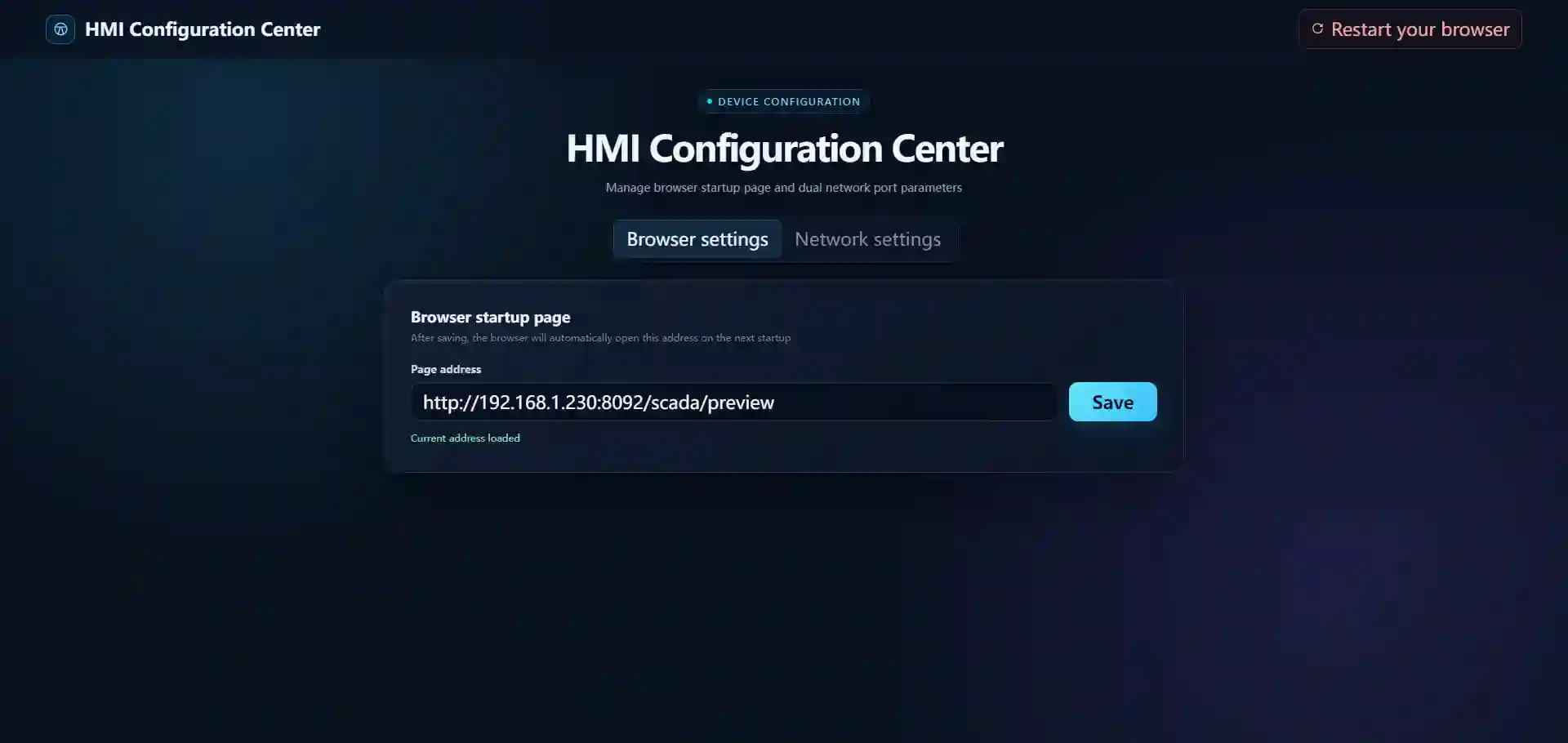
Browser settings in the HMI Configuration Center: page address and save button
Enter the page address under “Browser Settings” and save; the browser opens that address automatically on its next start. The browser can be restarted with one click in the top-right corner.

Products

Different sizes and housings built on the same web-based architecture — choose by cut-out size, viewing distance and mounting method.

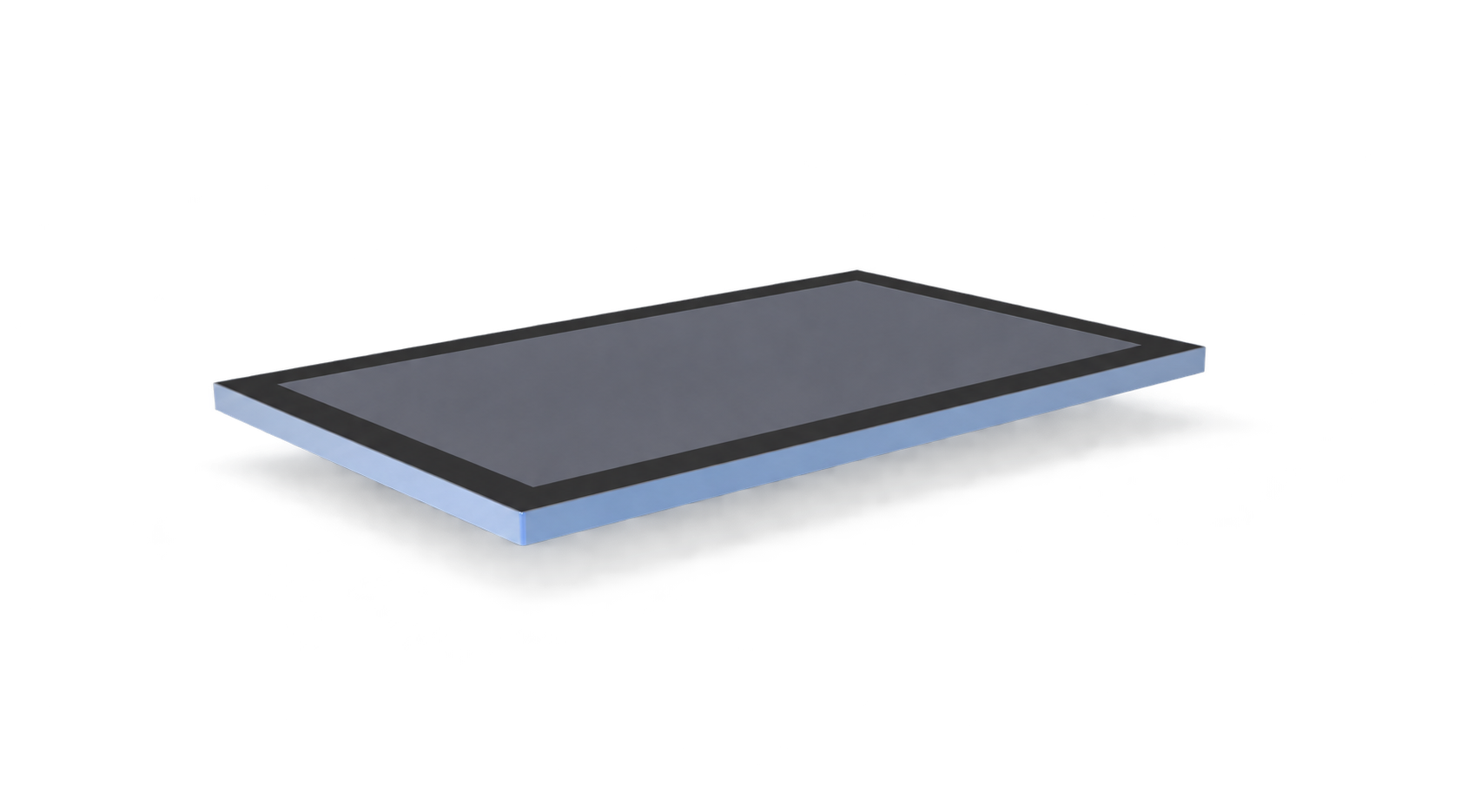
LM Gateway070-HMI interface (placeholder image)

LM Gateway101-WebPanel

Display:
10.1″ TFT colour display · 1280 × 800
Touchscreen:
Capacitive touch
Communication:
2 × LAN
Housing / Mounting:
Panel mounting, VESA wall mount
System platform:
Linux + Chromium, opens the configured URL full screen at boot
LM Gateway070-HMI interface (placeholder image)

LM Gateway156-WebPanel

Display:
15.6″ TFT colour display · 1920 × 1080
Touchscreen:
Capacitive touch
Communication:
2 × LAN
Housing / Mounting:
Panel mounting, VESA wall mount
System platform:
Linux + Chromium, opens the configured URL full screen at boot

Typical applications

Wherever a web page already exists on the server, a Web Panel can bring it to the shop floor.

Production line dashboards

Show production progress, Andon calls and process parameters next to the workstation, refreshed from the server.

Local machine HMI

Present the PLC's web visualisation directly, so operators can read states and intervene on the spot.

Energy and building monitoring

Display BMS / energy pages permanently, viewable on site in switch rooms and server rooms.

MES workstation terminal

Act as a shop-floor MES reporting and query terminal with no client installation — changing lines only means changing the page.