

Industrial Automation
OPC, Siemens S7, EtherNet/IP, Modbus and other protocols connect PLCs, CNCs and automation equipment.


Connect meters, PLCs, controllers and building systems through industrial interfaces and protocols. Process, buffer and securely deliver data to SCADA, cloud platforms and third-party applications.
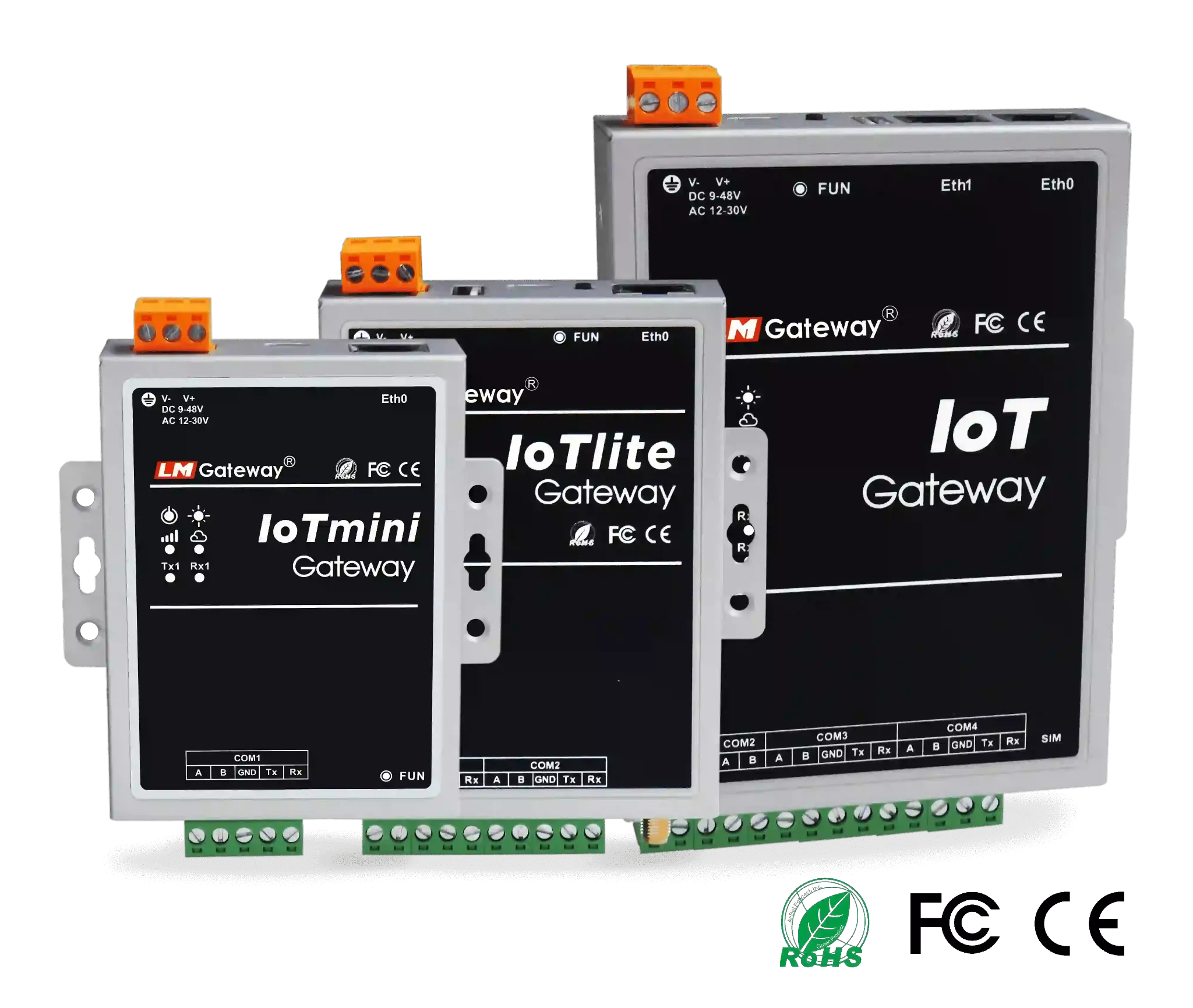
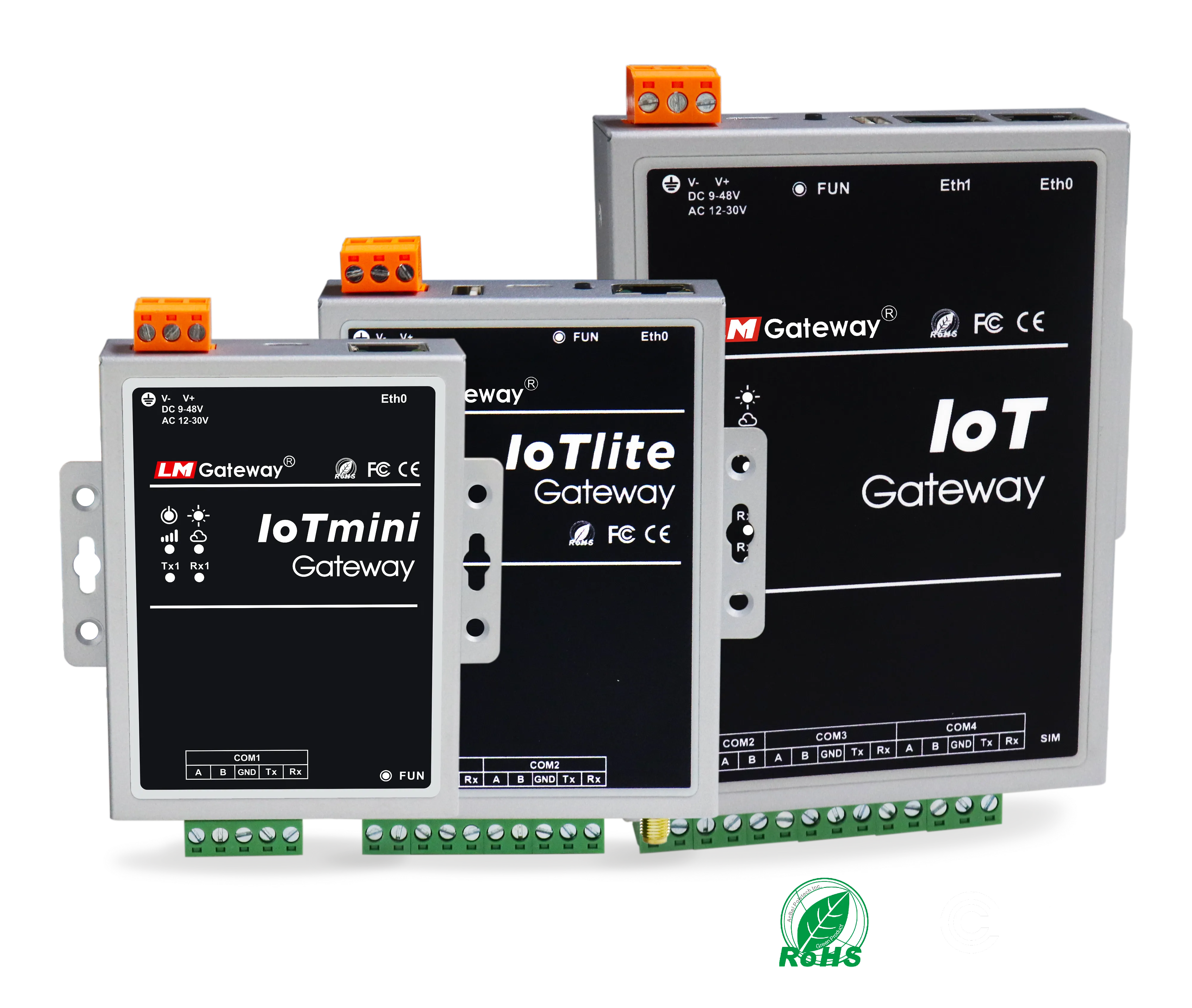
Collect data from different vendors and protocols, then publish it to host systems through standard interfaces.
OPC, Siemens S7, EtherNet/IP, Modbus and other protocols connect PLCs, CNCs and automation equipment.
BACnet, Modbus, KNX and other protocols connect DDCs, smart lighting modules and building devices.
Modbus, M-Bus, DL/T 645 and CJ/T 188 connect field meters.
IEC 104, IEC 61850 and other protocols connect power systems.
MQTT, HTTP, SQL and other clients read data from IT systems.



Use Modbus, BACnet, OPC UA and REST API to deliver data to host systems such as SCADA, MES and BA, and MQTT, HTTP, WebSocket and database clients to deliver data to IoT platforms.
Built-in JavaScript scripting enables data calculation, format conversion, conditional logic and custom control directly on the gateway.
Perform arithmetic operations, unit conversion, value correction, accumulation, filtering and derived-variable calculation on collected data.
Configure conditional rules, event handling, scheduled tasks and automated actions based on device values, communication status or operating conditions.
Define the JSON payload format for MQTT or HTTP publishing, organizing field names, device identifiers, timestamps, values and extended information to match the data specification of the customer platform.
All LMGateway products include free cloud SCADA
IoTGateway and EdgeBox series gateways also provide on-gateway SCADA
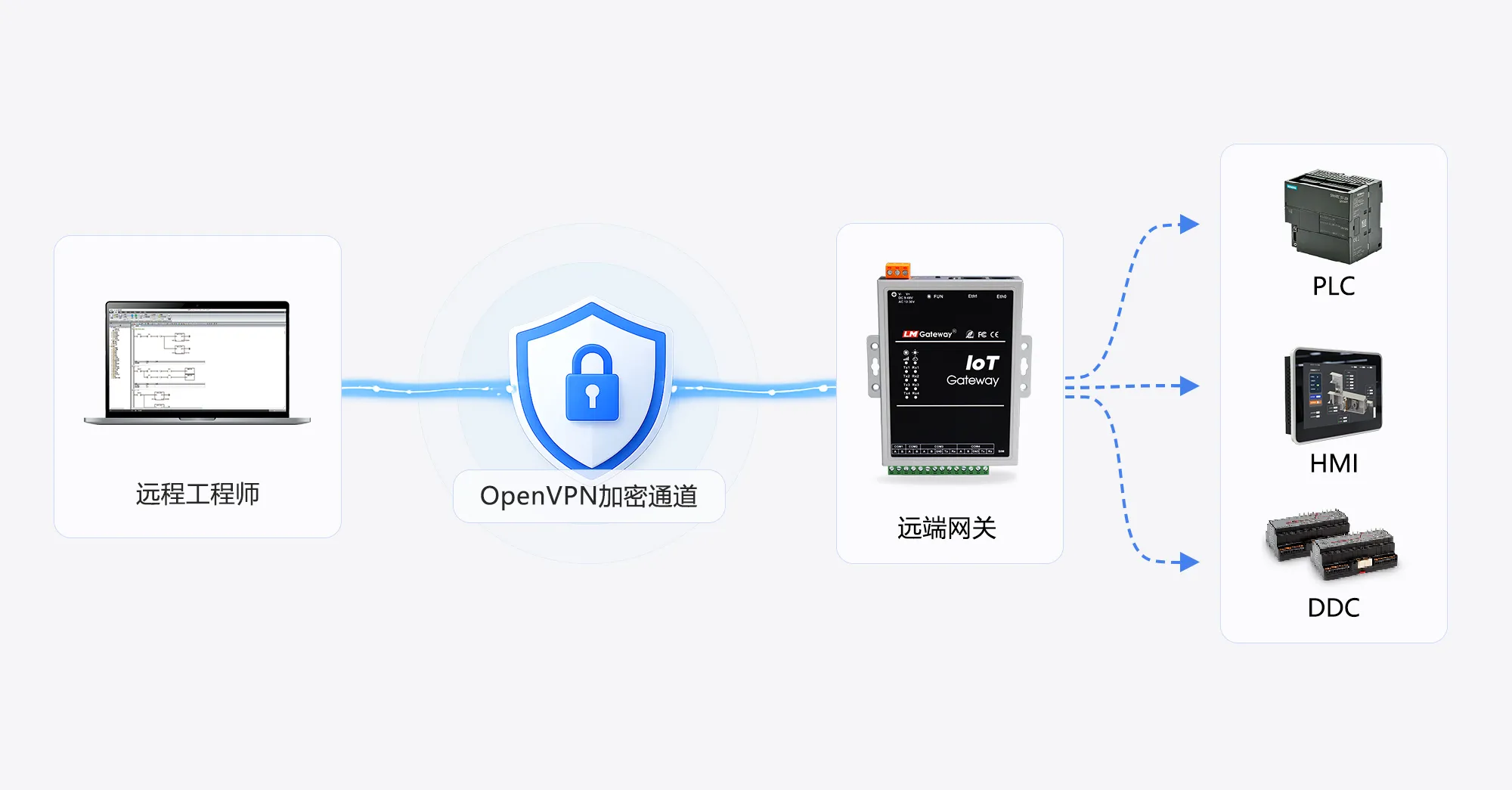
The gateway includes an OpenVPN client that establishes an encrypted tunnel for off-site commissioning, fault diagnosis and engineering maintenance.
The gateway connects to a customer-owned, project-dedicated or bundled VPN server, giving authorized engineers a secure channel to the remote gateway and the field LAN behind it.
Gateways can be configured with the GC configuration tool, the built-in browser-based Web interface or the ThingsIoT cloud platform.
Desktop engineering tool: configure devices, protocols and data points offline, then deploy to the gateway in one click. Projects can be imported and exported for easy replication and backup.
With the built-in web server, a browser on the same network can configure the gateway, view live data and export logs — no software installation required.
Once connected to the ThingsIoT cloud platform, acquisition points can be modified, parameters issued and firmware upgraded remotely — ideal for distributed sites and unattended installations.
From serial ports and Ethernet to 4G, Wi-Fi and I/O, choose the hardware configuration that fits the field devices, network conditions and installation requirements.
Interface counts and communication options vary by model; refer to the product specifications.
When a project already has an industrial PC, edge computer or control-room server, IoServer software gateway can be deployed there to reuse the existing hardware and deliver the same data acquisition, protocol conversion and platform integration capabilities as the hardware gateways.
Runs on industrial PCs, edge computers and servers.
Choose the runtime environment that matches the project.
Pick a license tier based on the project's data-point count.