Calculation Point
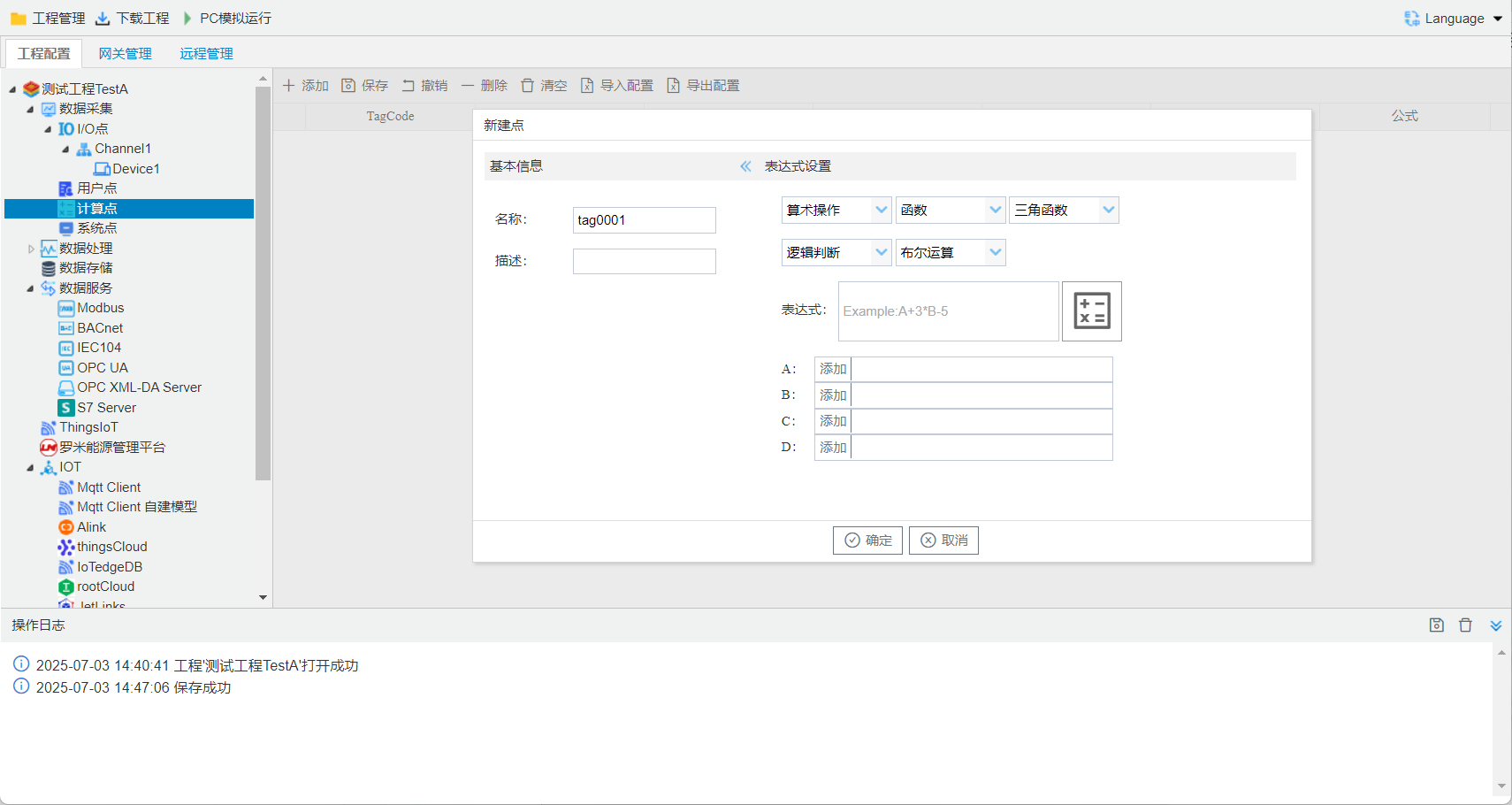
stepssuch as Figure 1.
- Clickprojecton "calculation points"point.
- Click"add"buttonaddonecalculation points.
- input Configurationpageinunique Name, as followsNameistag 0001, in projectinthe point iscalculate.tag 0001.
- input, incan functionorcanfrominputabove underinselect, canmanually enter functionor.
- Clickvariable inputleft sideaddbutton, selectthe variablecorresponding Tag point.
- Click"OK"completeaddpoint.
inone button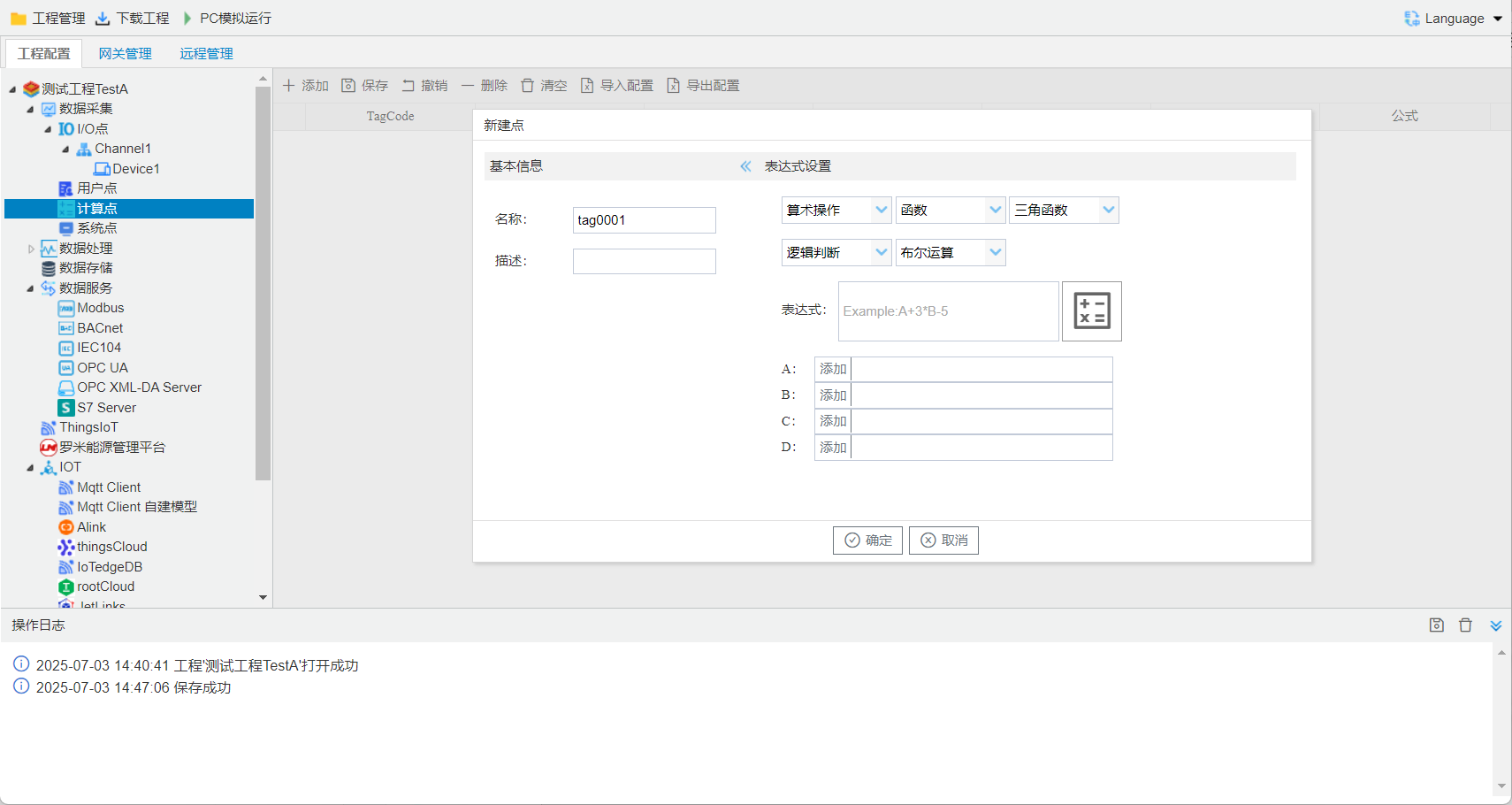 , Clickcanopen, as shown below. in A, B, C, Dalreadyvalue. Clickbutton
 , is.
, is.
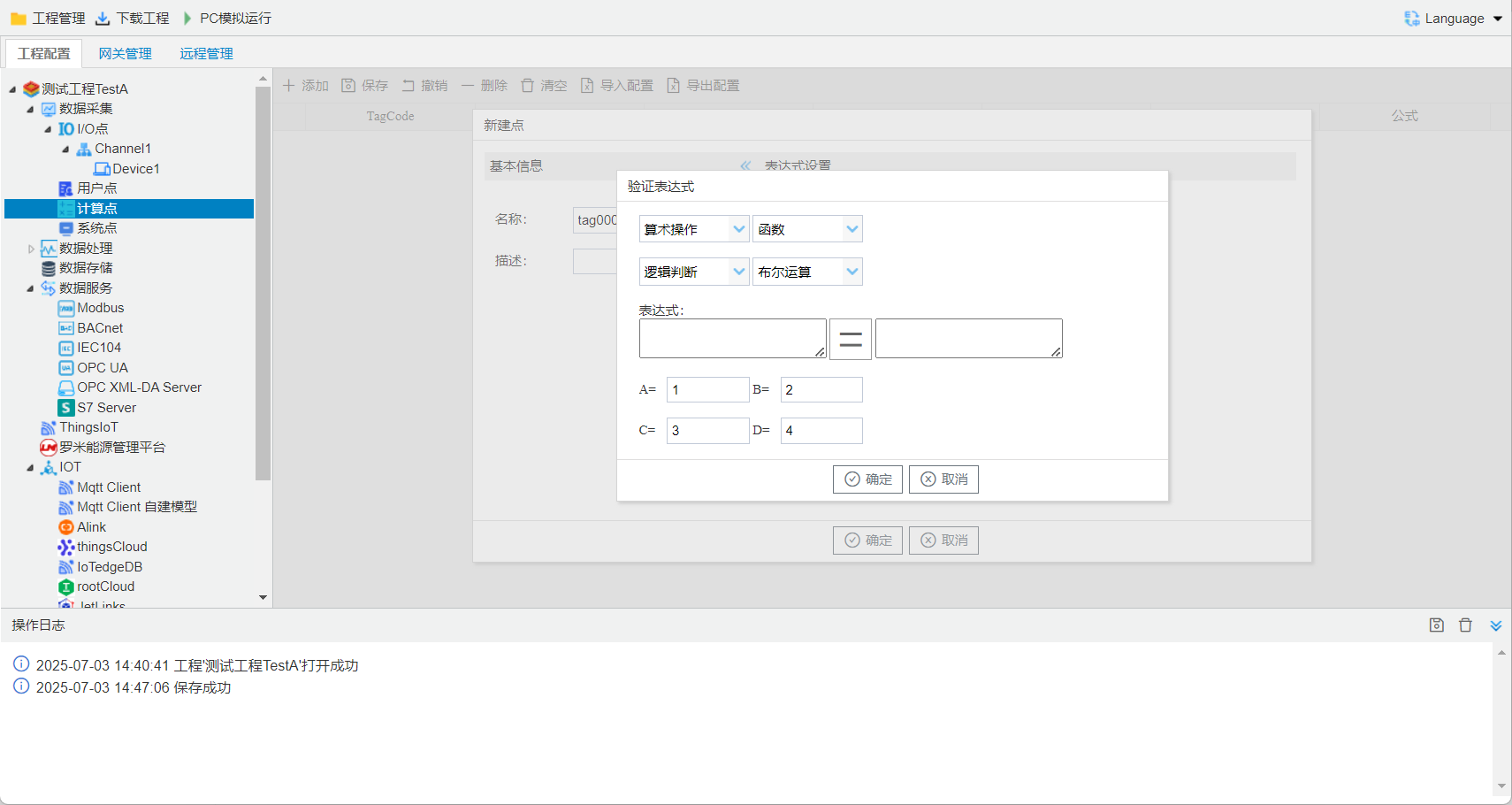
:
+: -: *: /: %: **: ( A**2 A 2)function:
min(,): max(,): abs():valuefunction:
sin():function cos():function tan():functionlogic:
==: etc. !=: etc. <: <=: etc. >: >=: etc.Boolean:
||: or &&: and not():includes