New Channel
createchannel
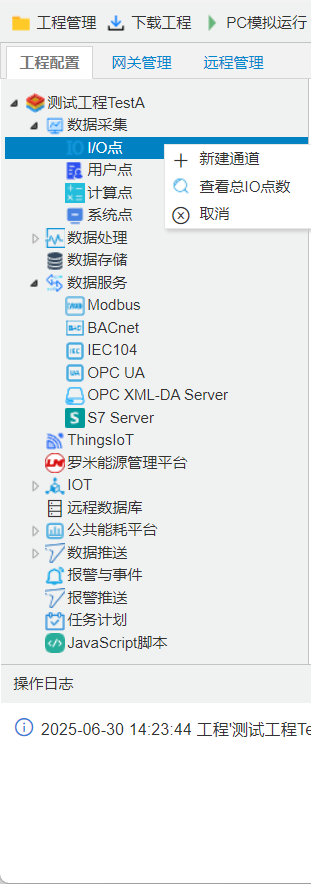
Right-click"I/O points",selectcreatechannel, openchannel Parameter Settingswindow. according toactual device, selectchannel, driveretc.Parameter.
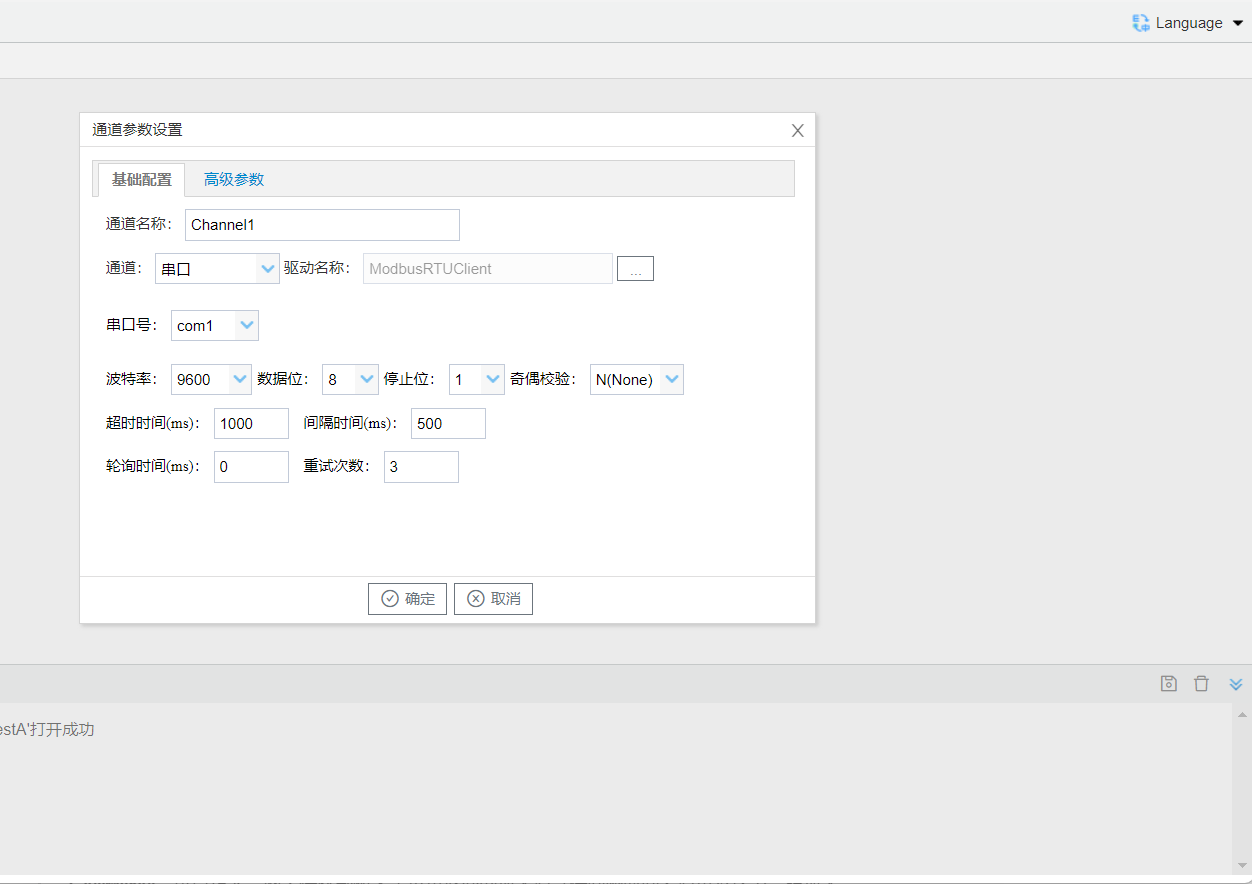
in channel Parameterdevice openin, performfromonunder Configuration, according toon stepsperform Configuration:in protocol Parameterinincludestimeout, time, timeand, as follows:
- channelName: editchannelName;
- channel: selectdriverchannelisserial portor Ethernet port;
- driverName: selectdriverName;
- communication Parameter: according todriverprotocoleditcorresponding communication Parameter.
channel Configurationaccording toprotocol determine whetherisParameter according to. each type ofprotocol Parameter.
- timeout: messagesendafter, waitdevicereturn time. communication under, Settingspointcommunication; such asdevice, iscommunication, Settingspoint.
- time: cancustom, gatewayreceivedevicereturn messageafterwaittimeaftersendundermessage.
- time: currentchannelincompleteacquisition taskafter, waittime, enterunderinterval.
- : communicationaftersendcurrentmessage .
warning
acquisition protocol Configurationseebelow.
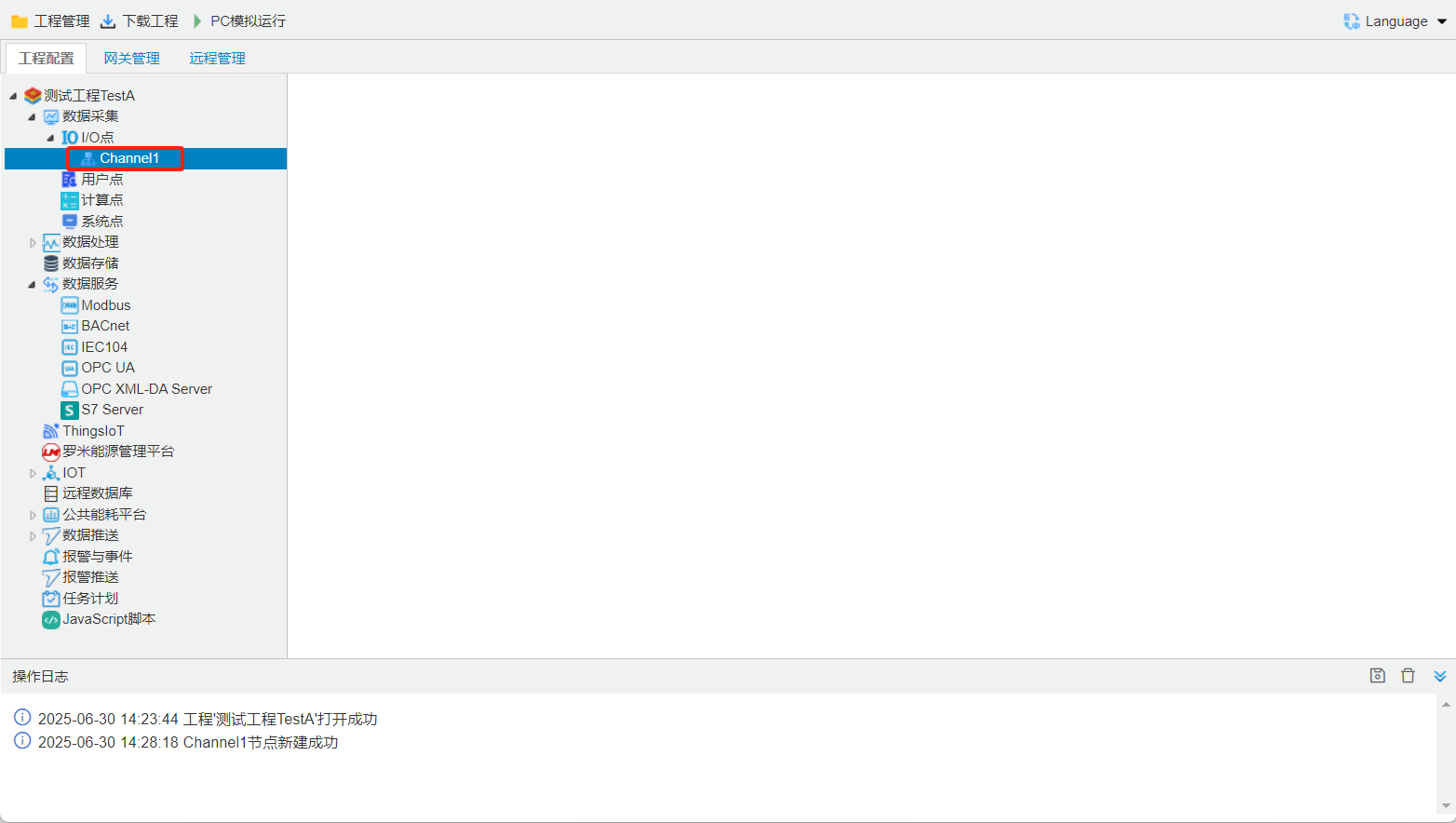
Channel creation completed.
addchannel
configuration toolchannel add, customercomplete Configuration.
Right-click[add]
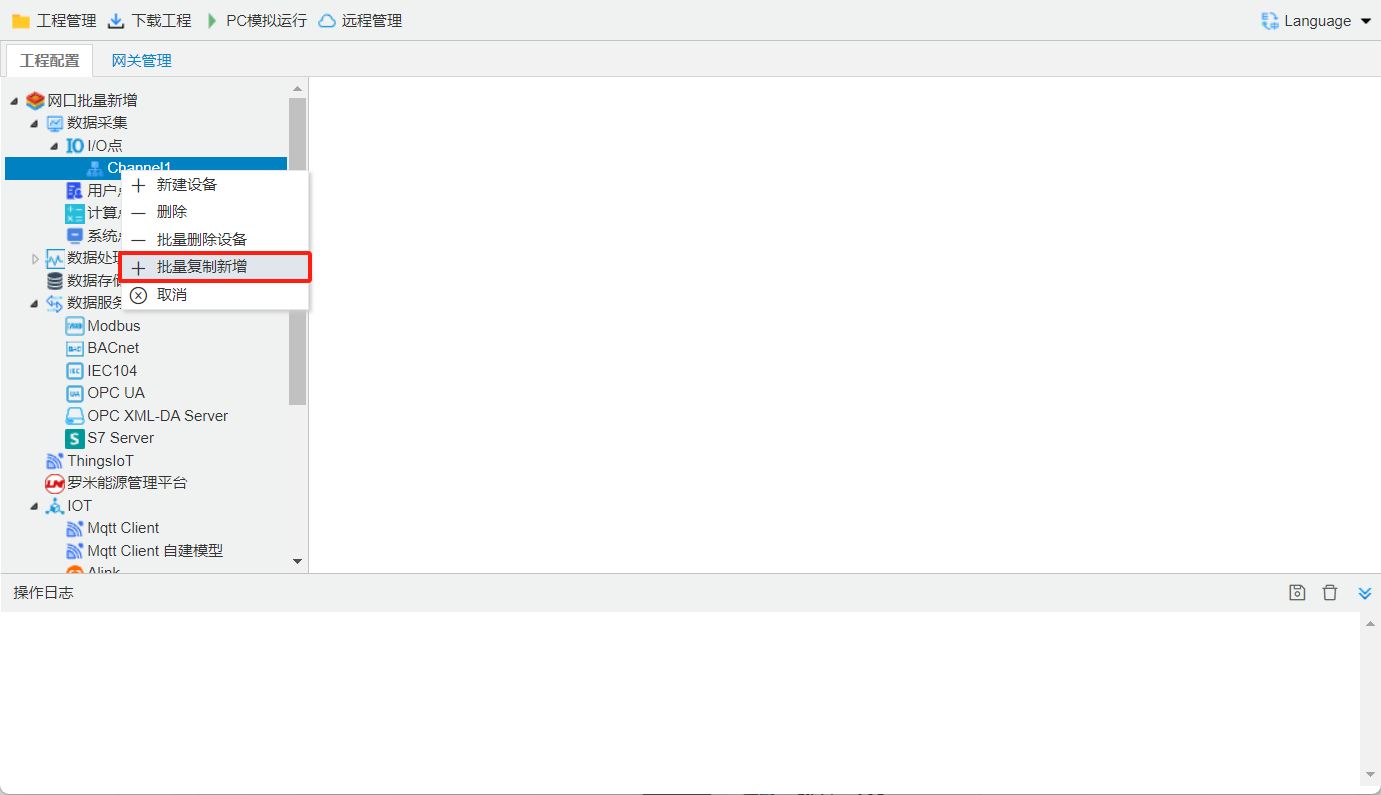
Click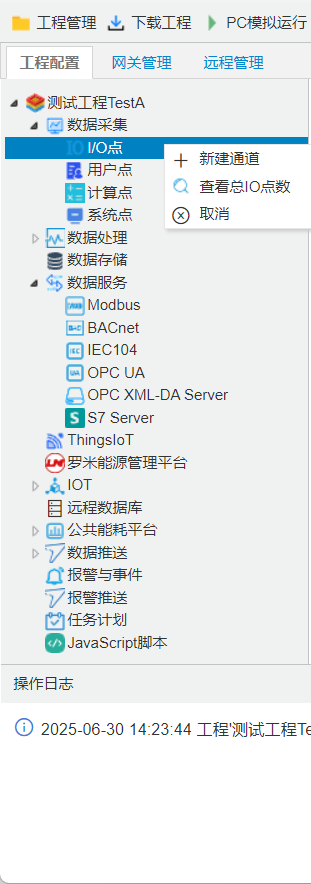 addneed to add channel, edit IP addressand Port number, channel Configuration.
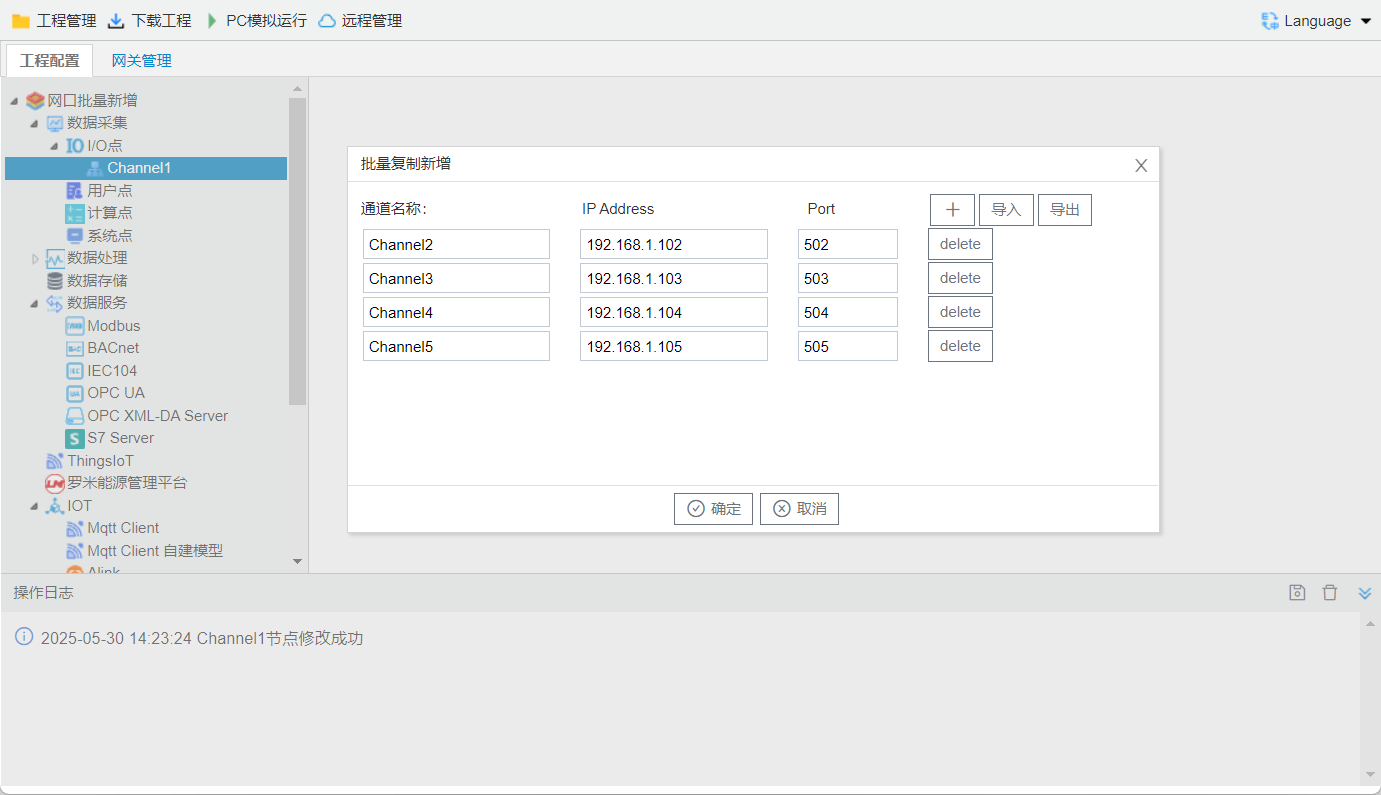
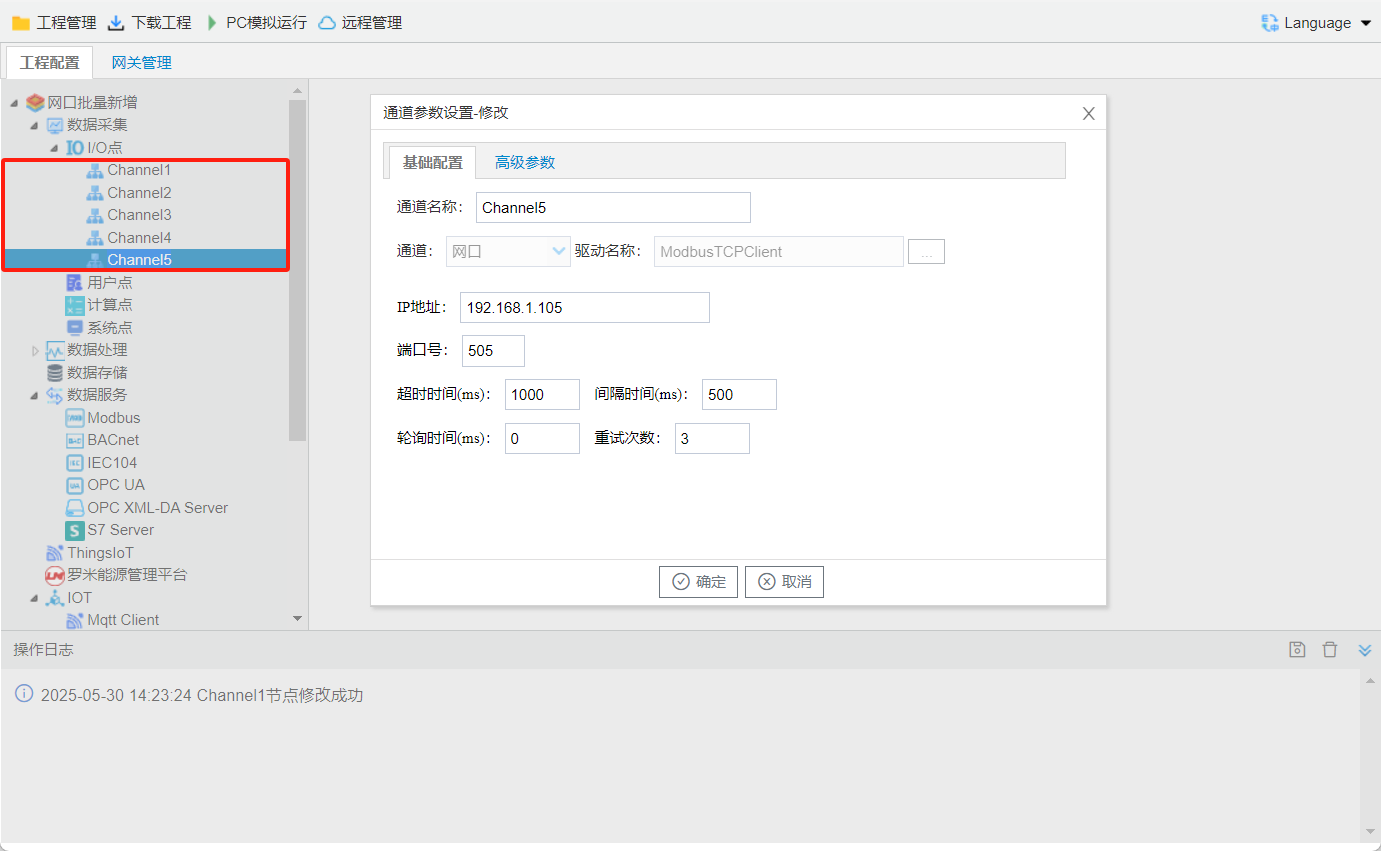
completechanneladd
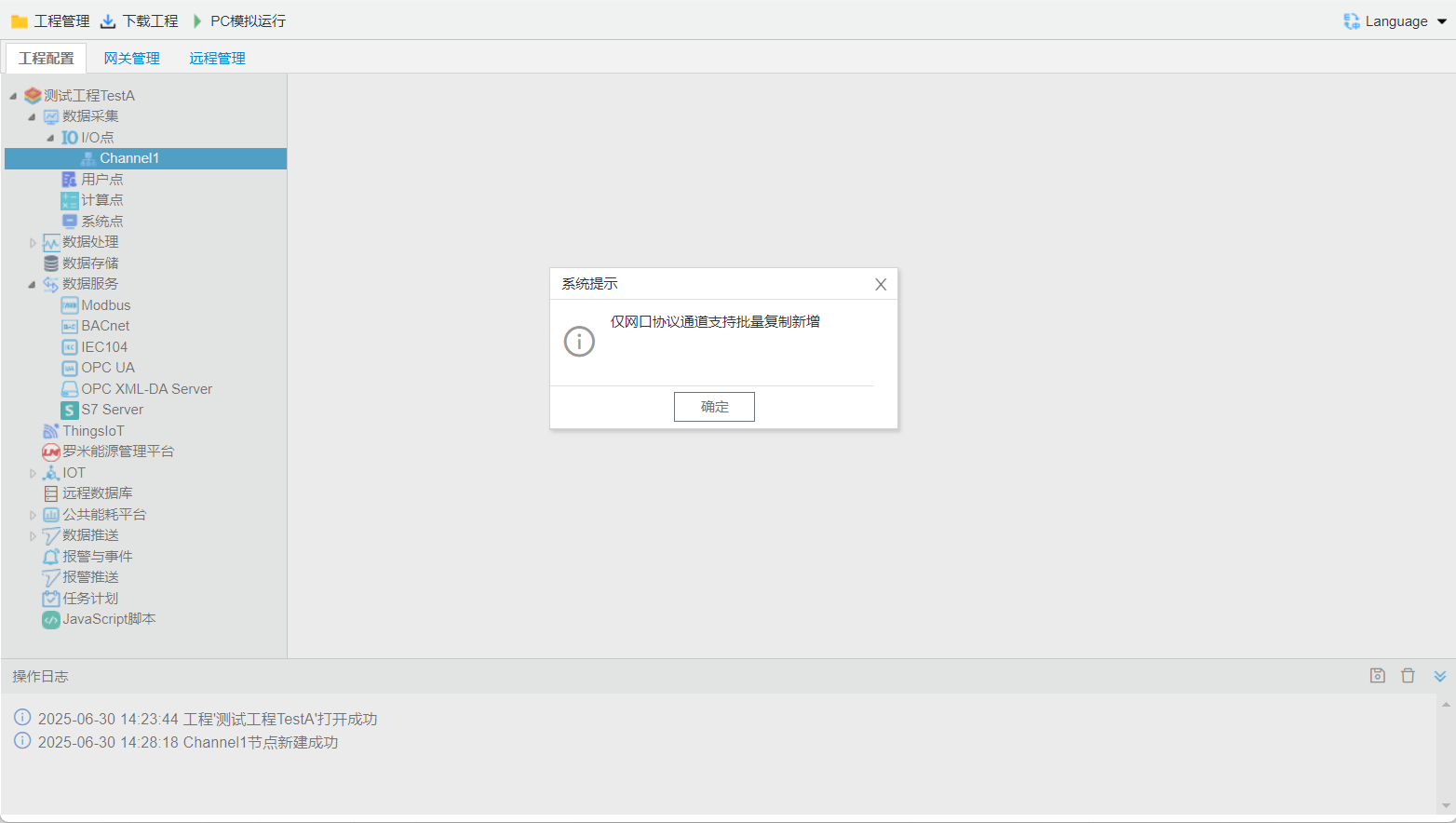
: Ethernet portprotocolchannelsupportsadd
gatewaycreatechannel
| gateway | serial portsupportschannel | Ethernet portsupportschannel |
|---|---|---|
| 1column | 1 | 6 |
| 2column | 2 | 6 |
| 4column | 4 |