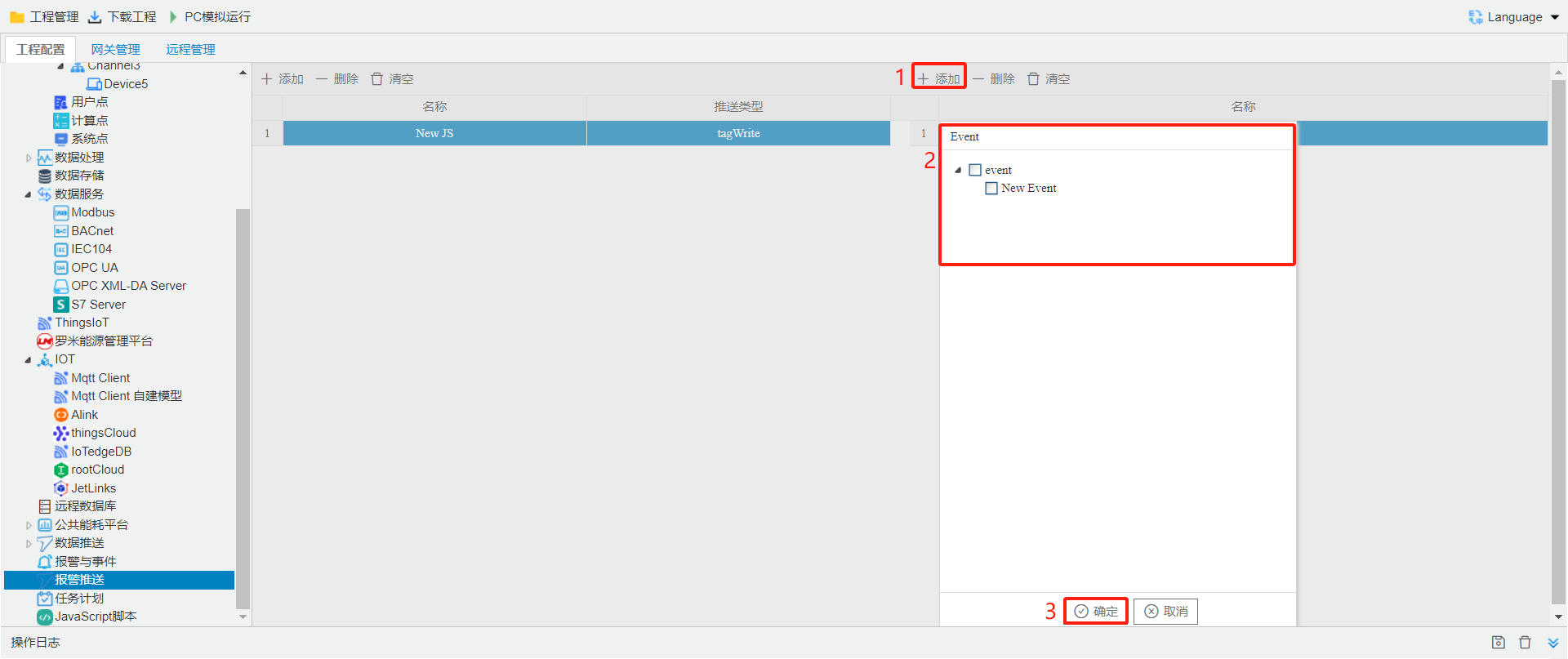
Alarm Push
The table on the left is used to edit alarms and events. The table on the right is used to add associated alarm points.
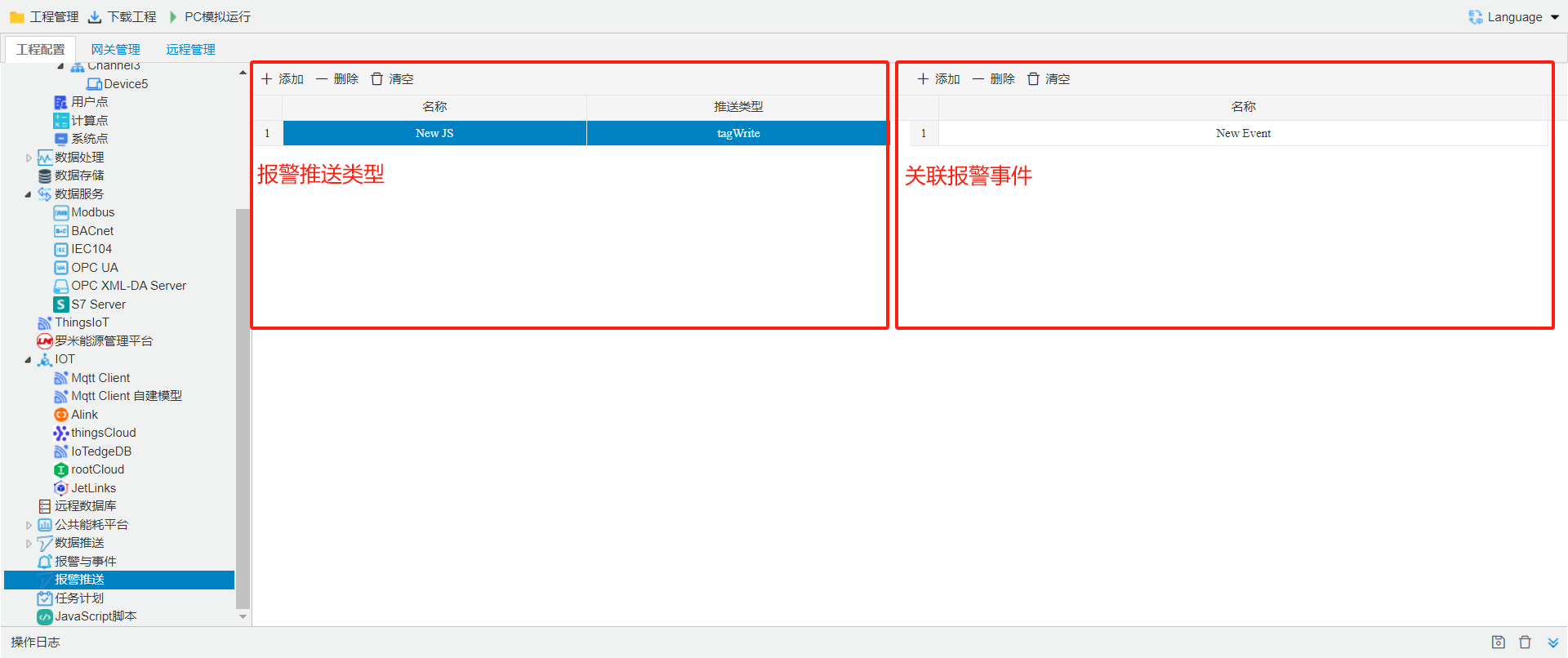
writevalueedit
Click the Add button. Edit a unique event name. Set the push type to Write Value. addeventwhen writepointandeventwhen writepoint. Click OK to complete adding the event.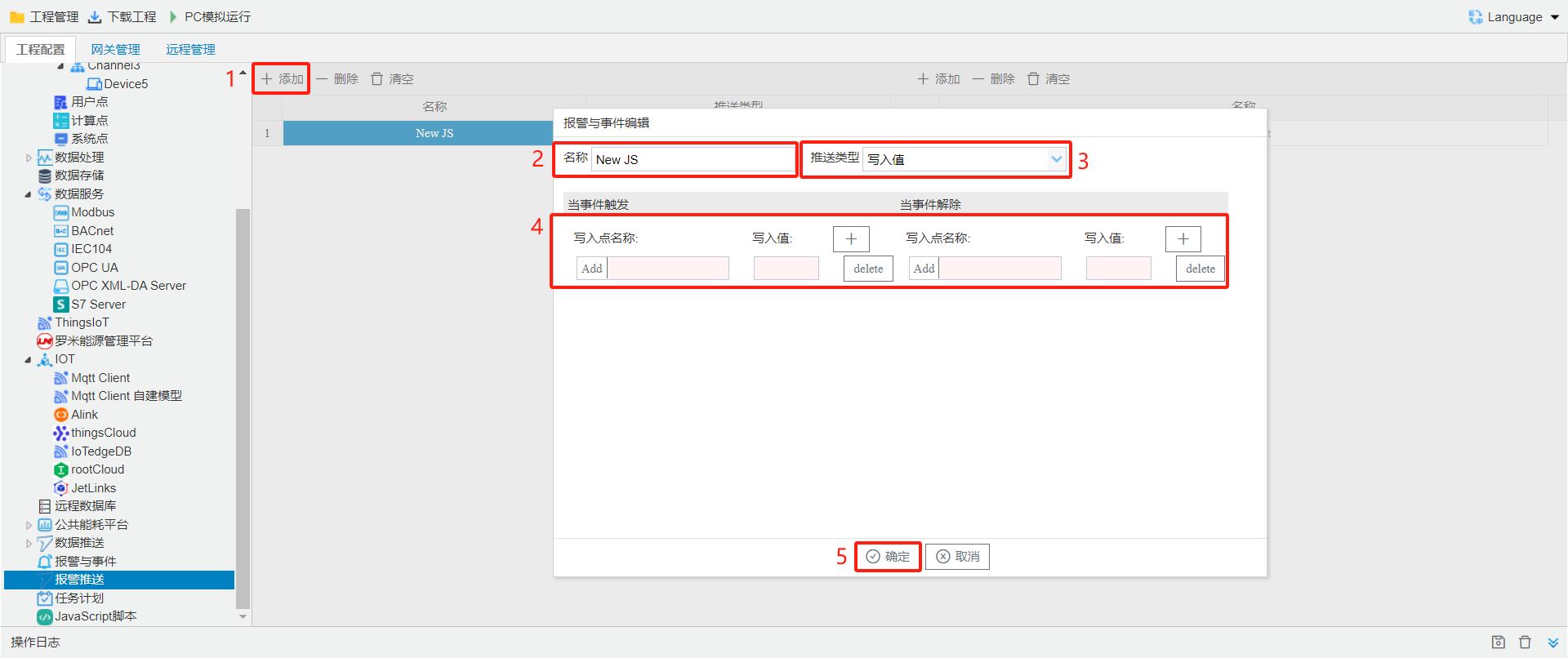
edit
Click the Add button. Edit a unique event name. Typeselect in onWeb Hook Address, andeditunderin, selecttemplate(default.js). Click OK to complete adding the event.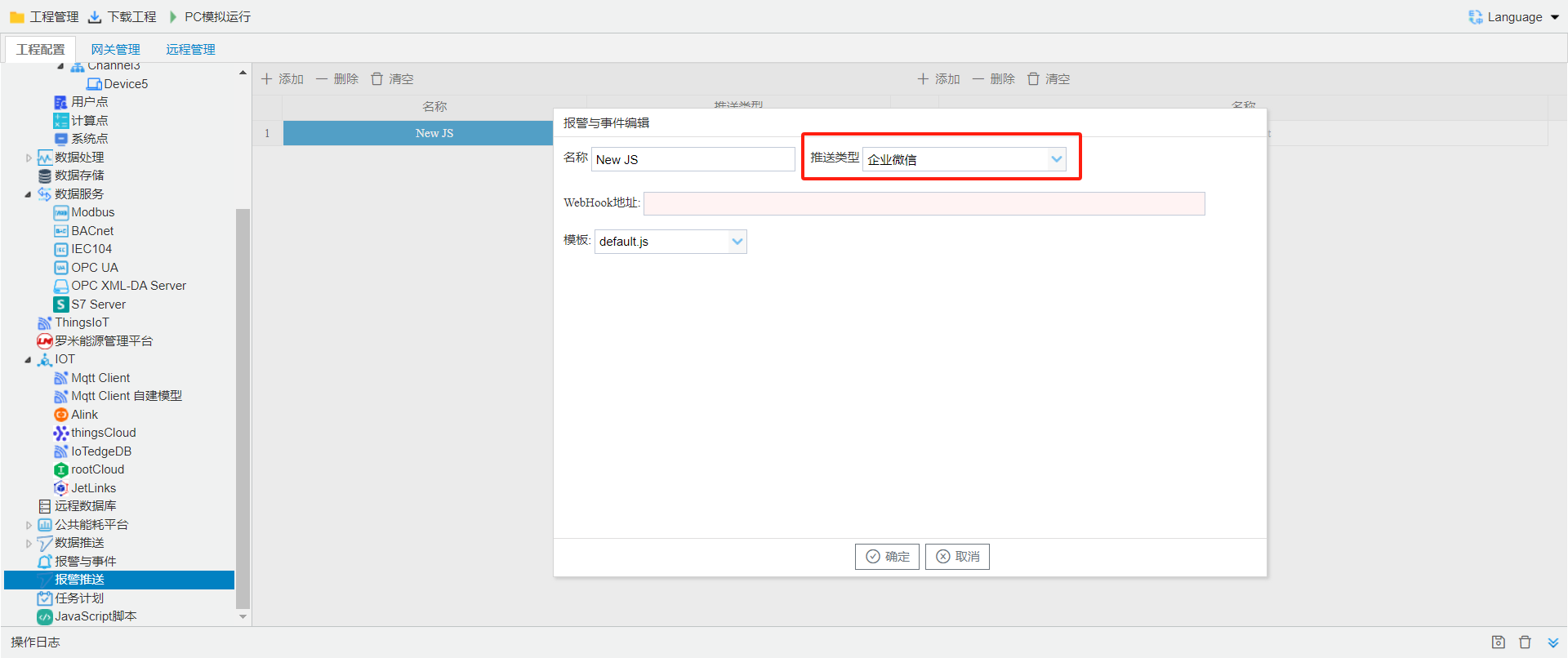
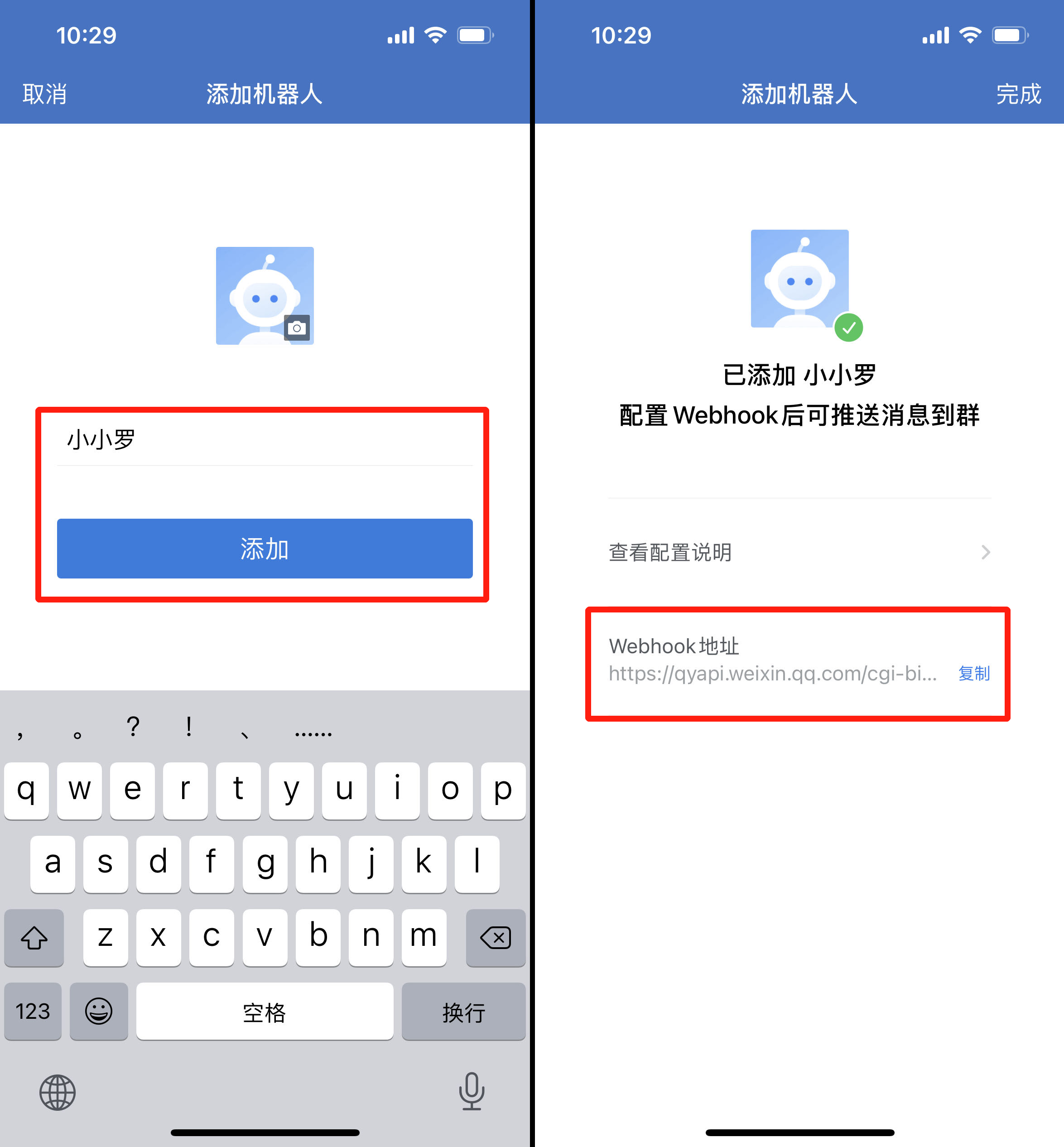
edit
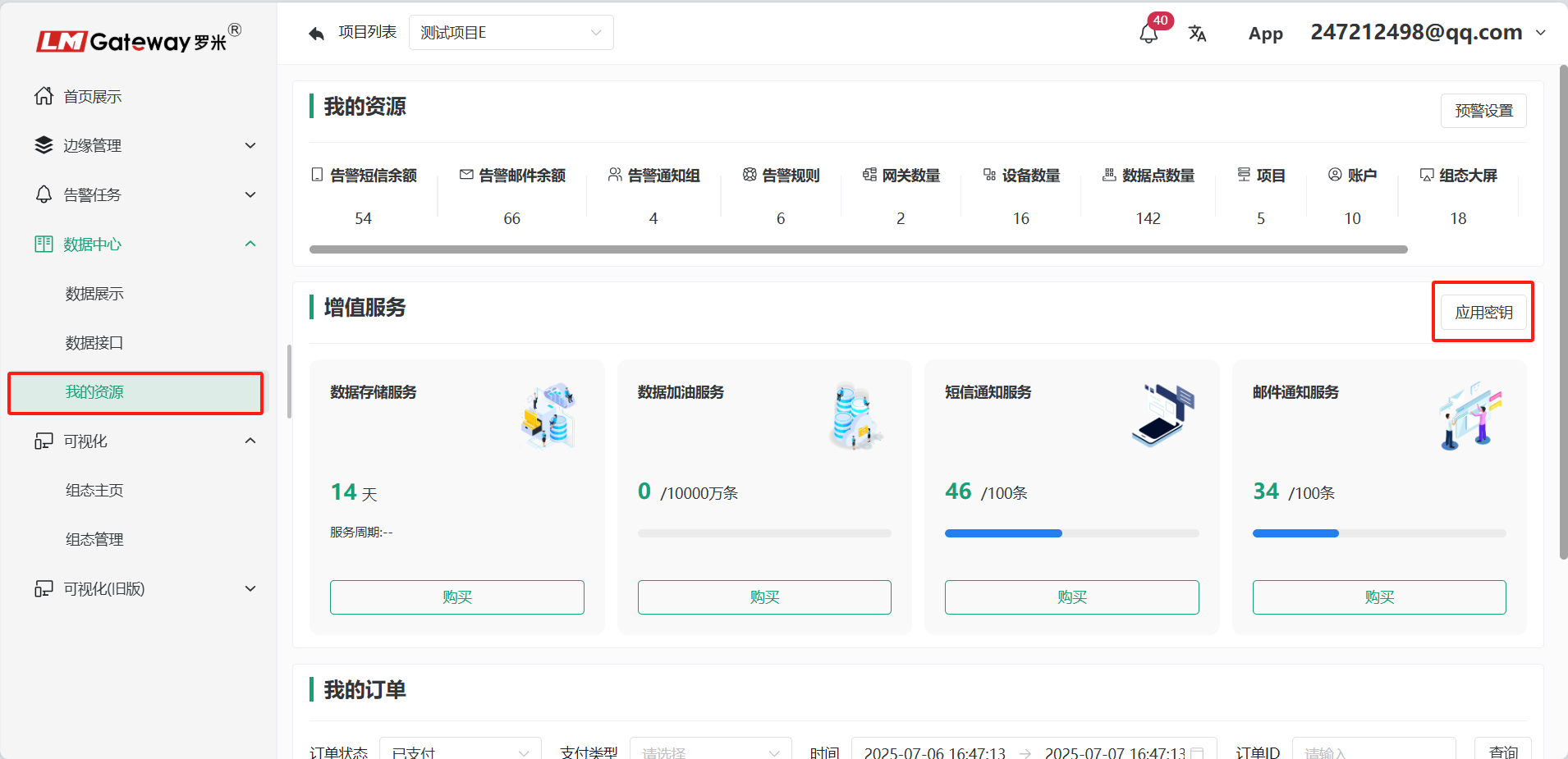
Click the Add button. Typeselect; Click[+]add , canaddmultiple; Click OK to complete adding the event. apply: log in Thingsplatform-- resourcesinapply.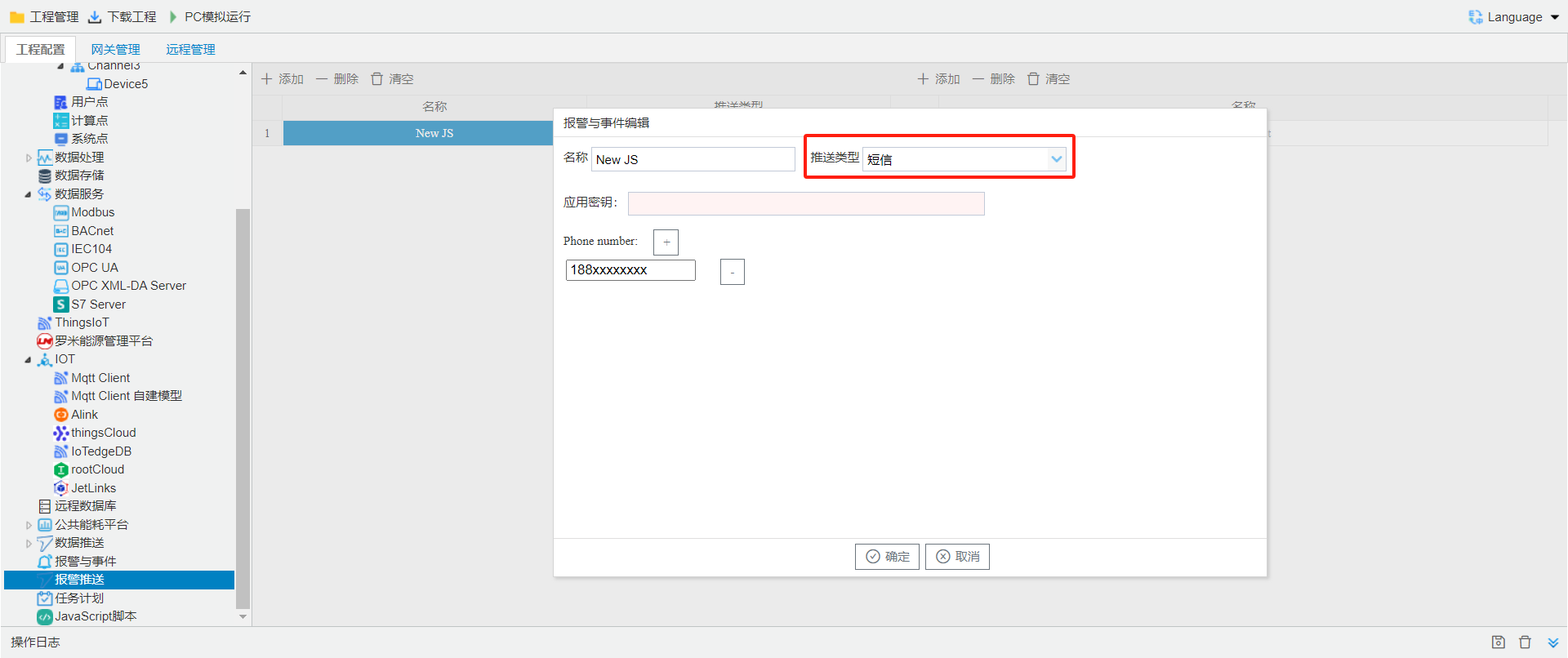
right sideAlarmpoint