5.4 Configuration Tool Upgrade
1.Configuration Tool Upgrade
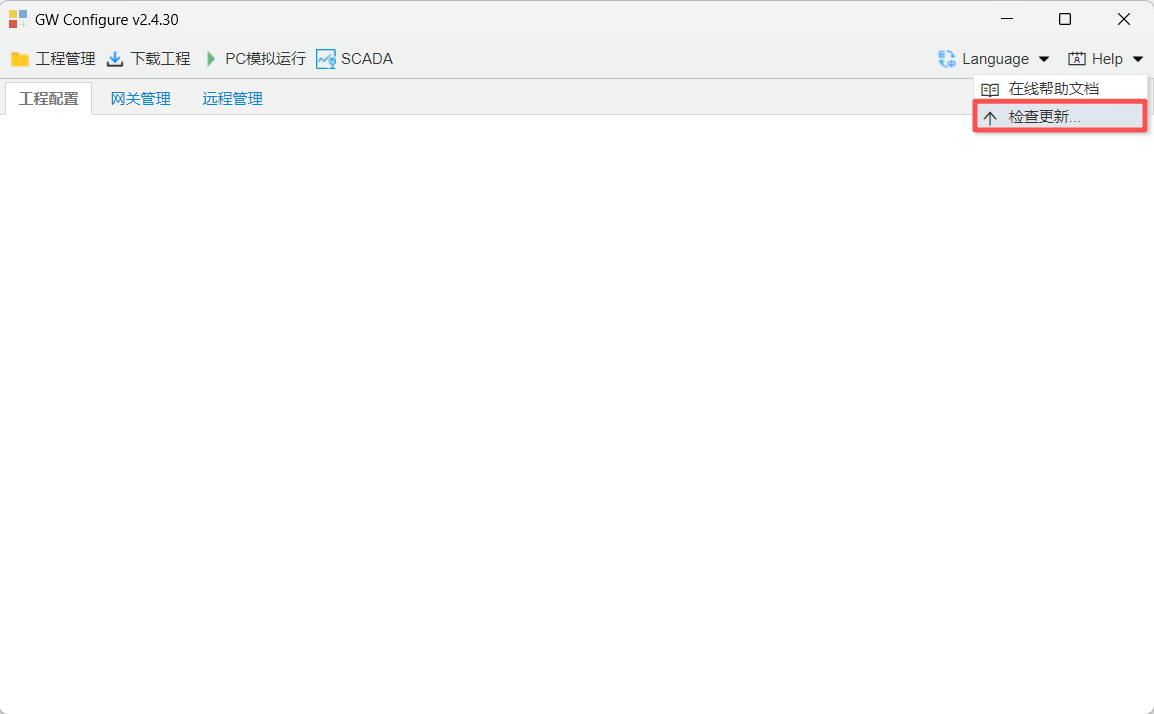
Click "Check for Updates" under "Help" to update the configuration tool.
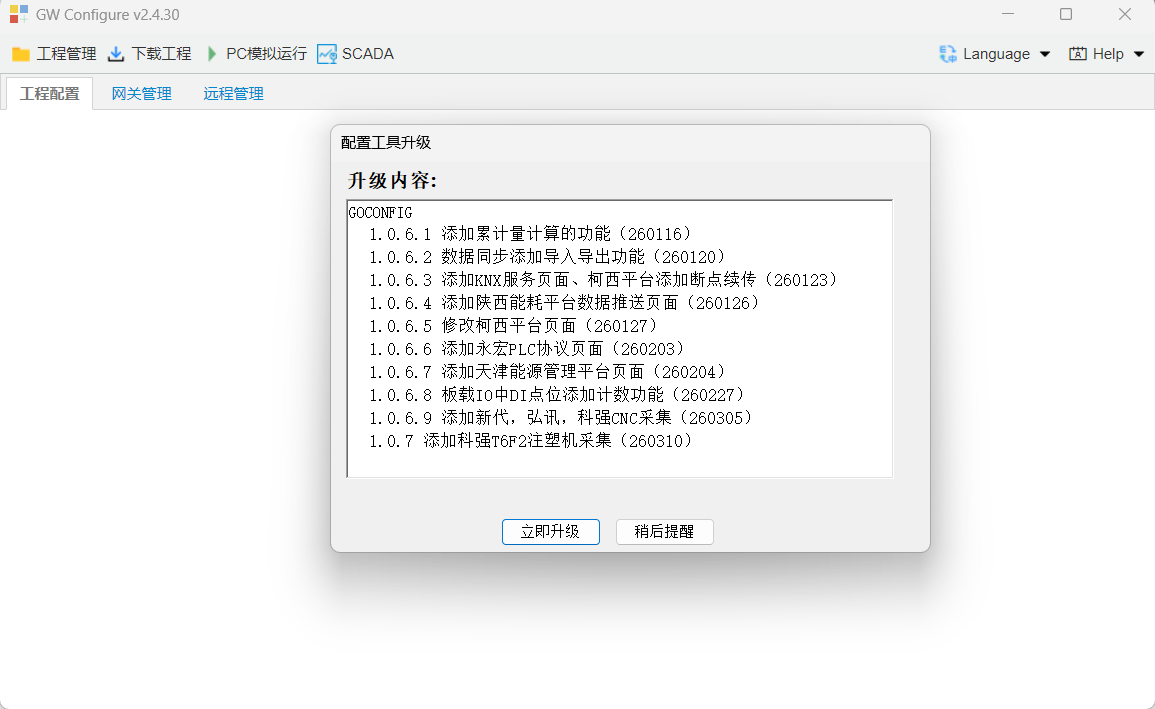
Configuration Tool Upgrade content
2.gatewayFirmware Upgrade
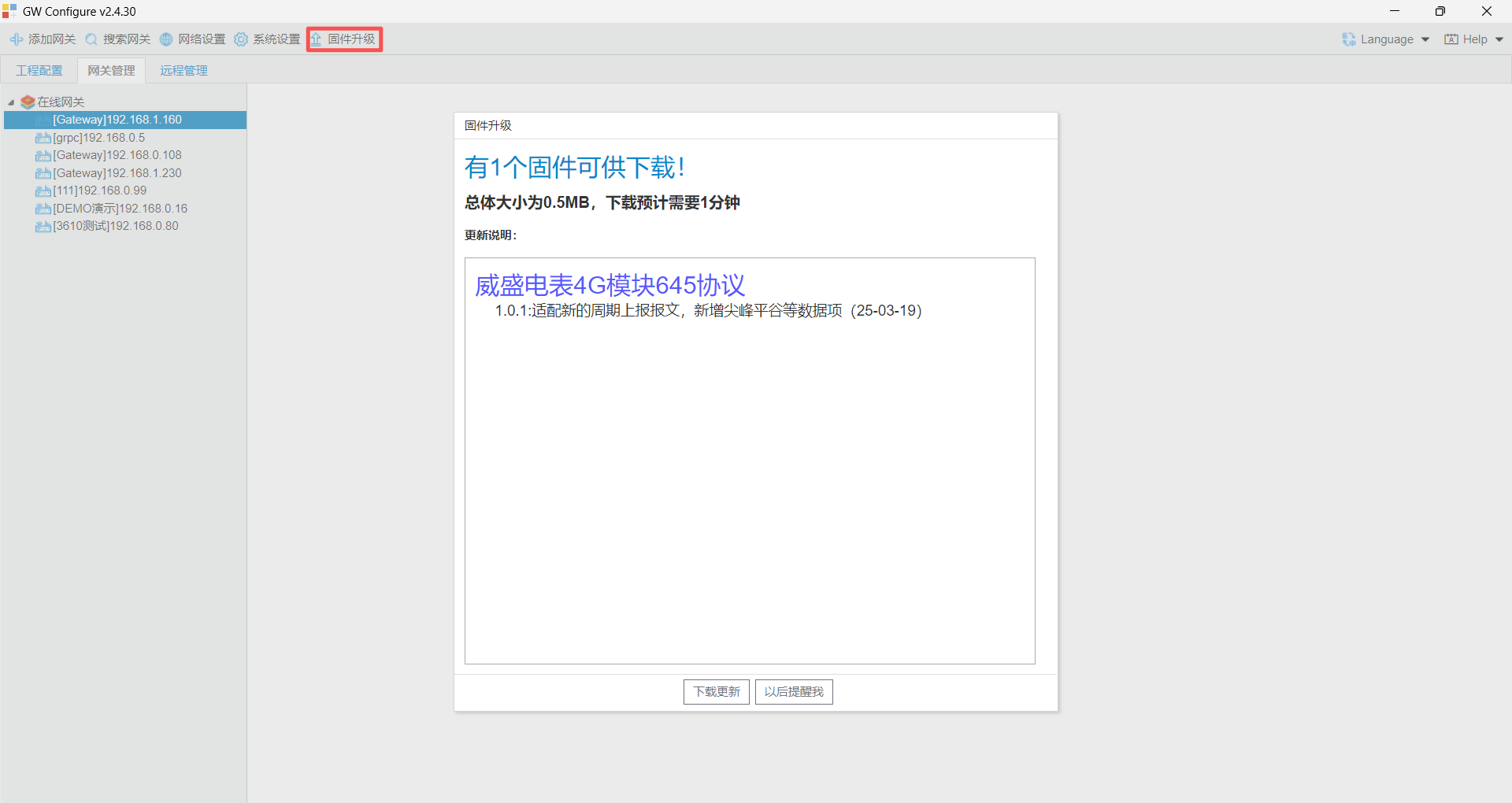
On the Gateway Management page, select the gateway and click "Firmware Upgrade" to open the upgrade page.
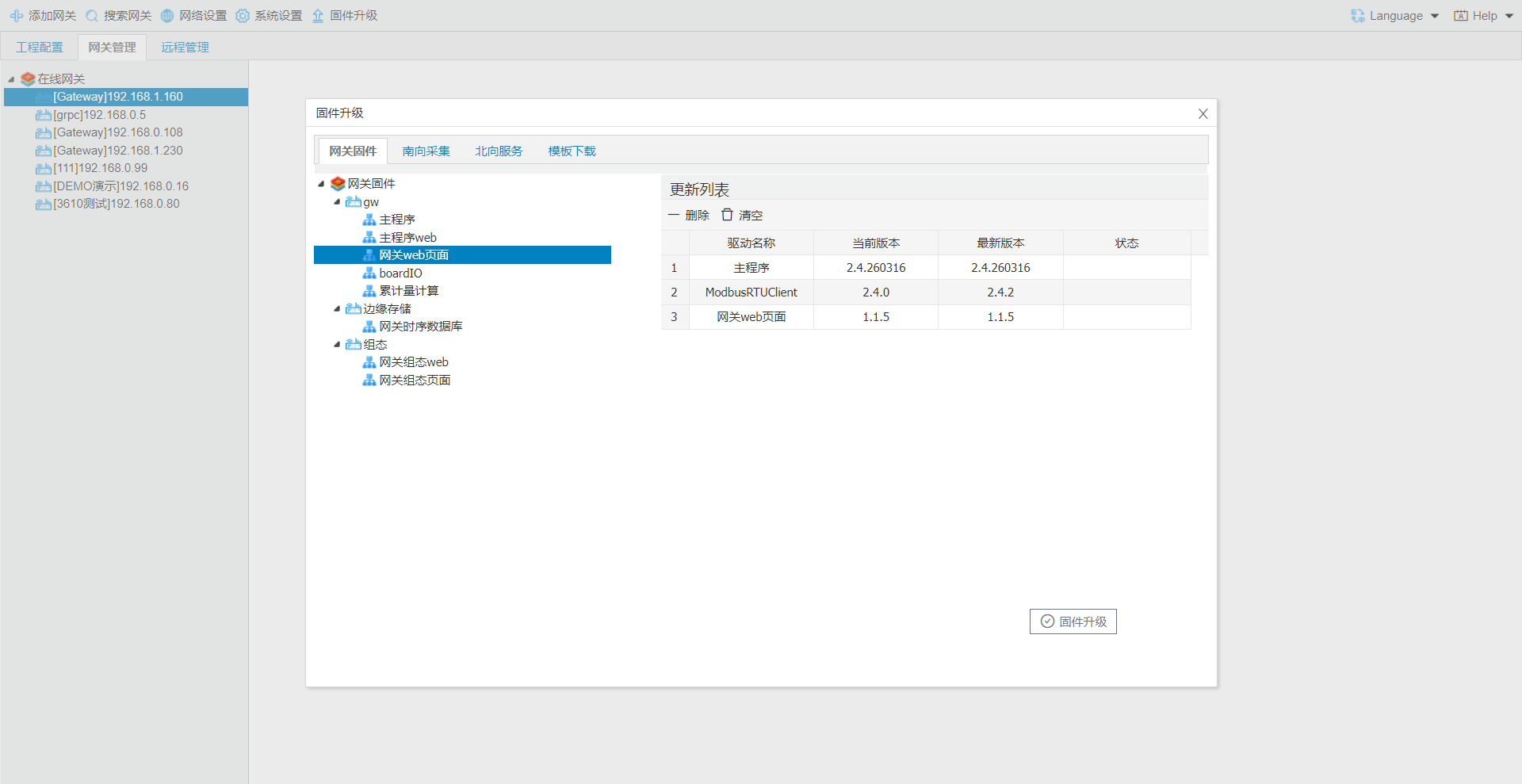
After the upgrade package is downloaded, select the specific firmware content to upgrade the gateway.
3.Scada upgrade
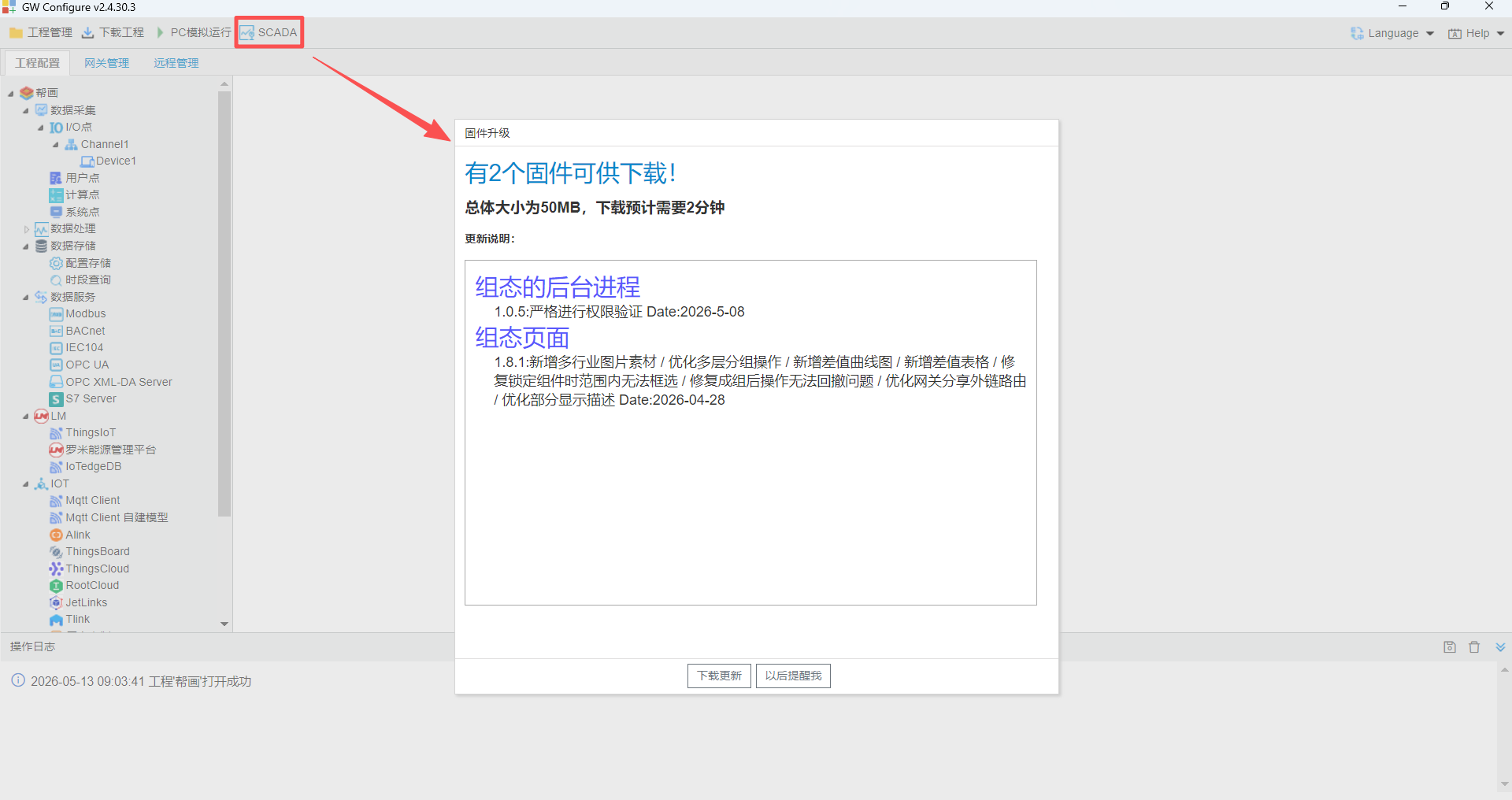
Click the "SCADA" button at the top of the configuration tool. The tool automatically checks for updates; click "Download Update" in the popup window.
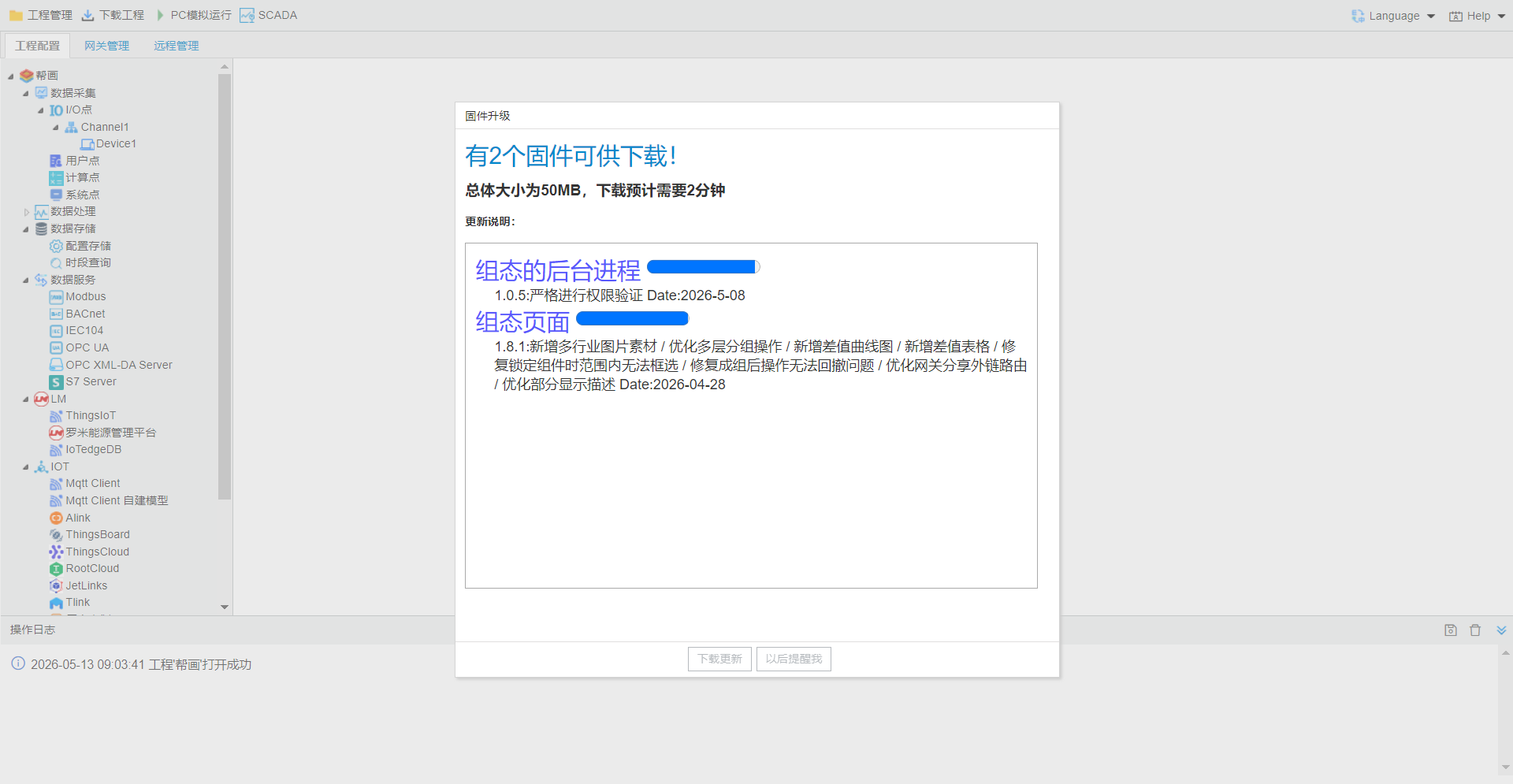
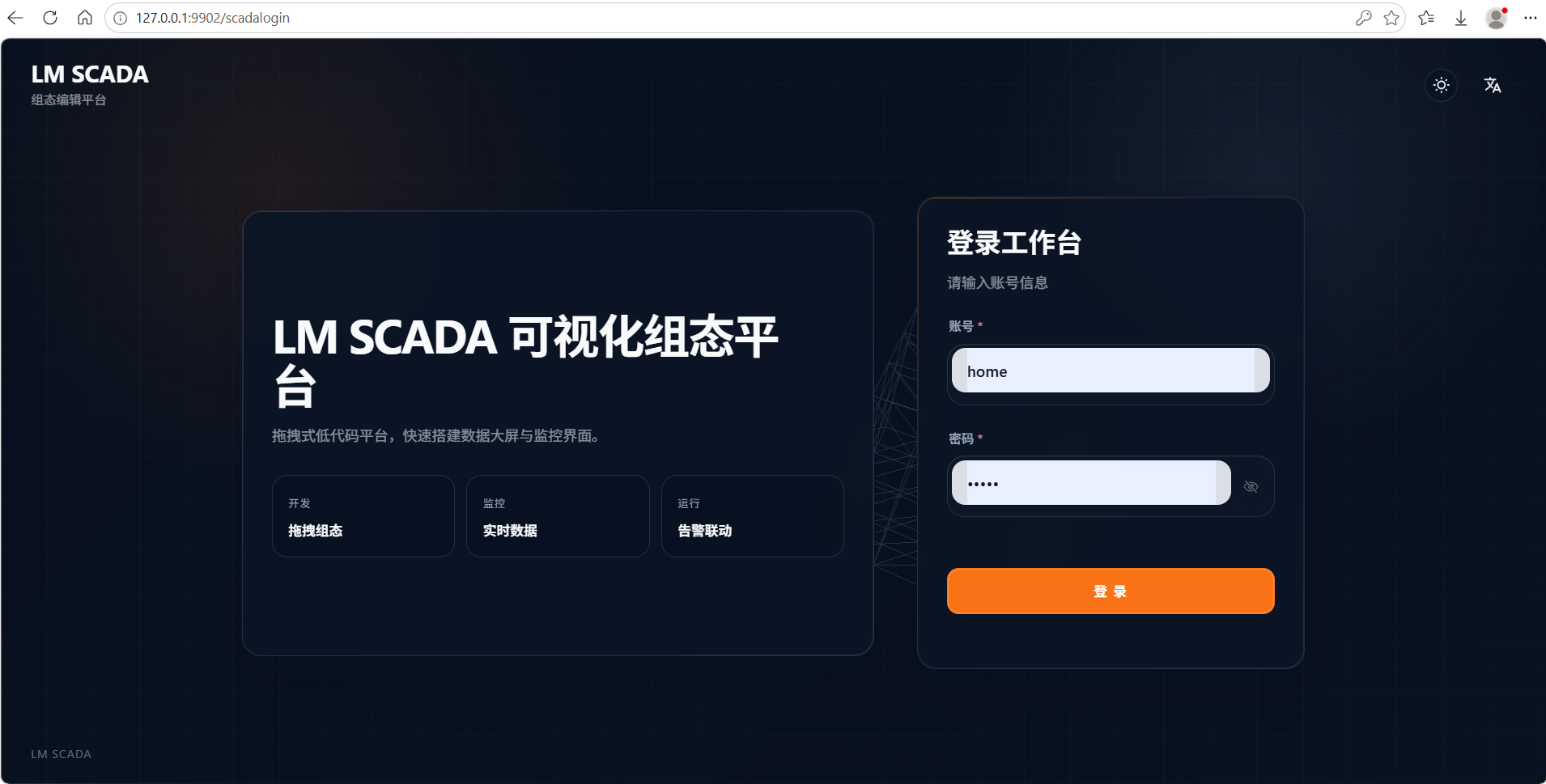
After the update is complete, the SCADA configuration screen opens automatically. Log in to use it.
Login account/password: home/luomi
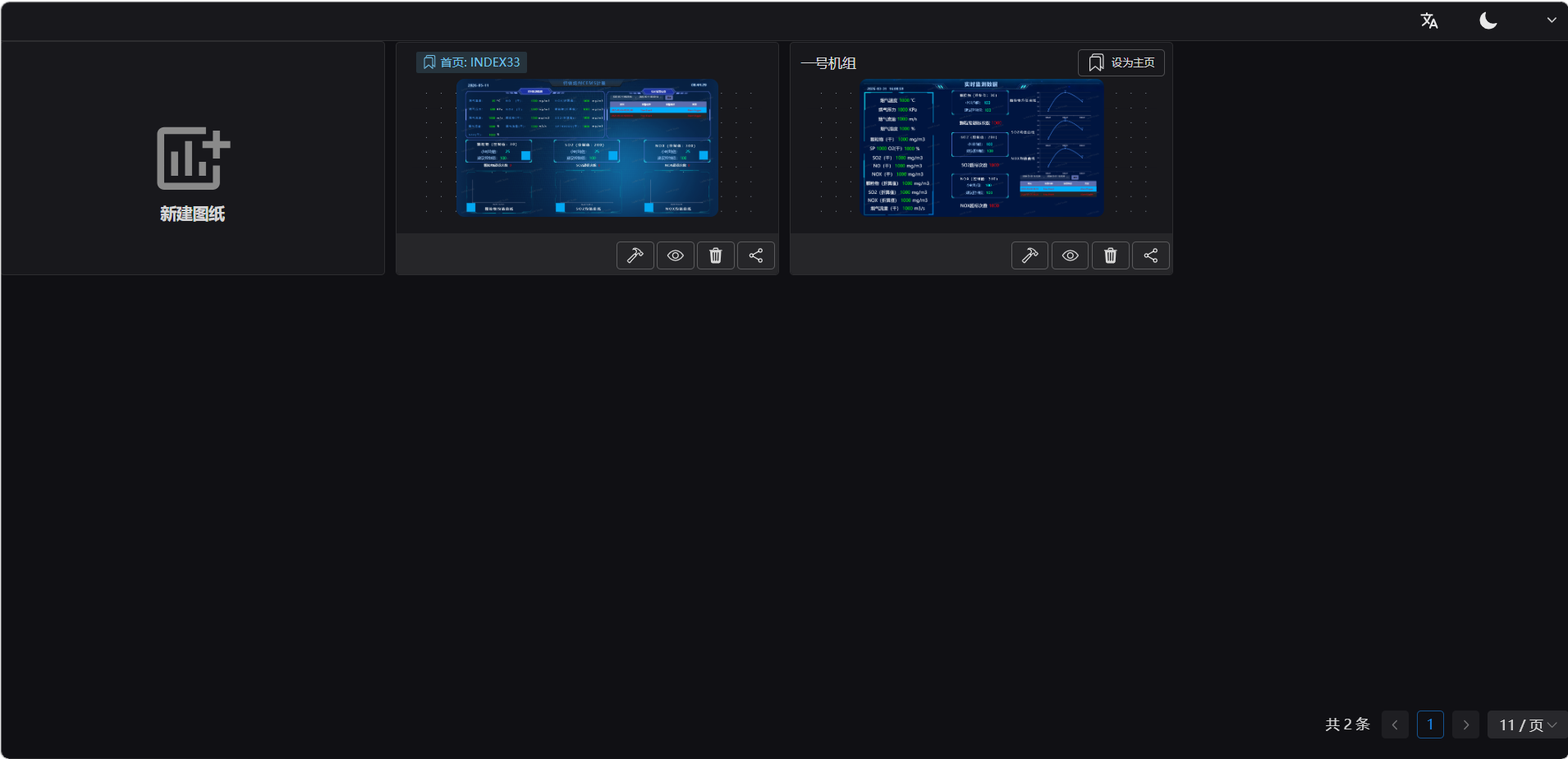
log inaftercaneditview.
4.Gateway configuration tool open
configuration toolopenwhenif, open Tool Softwarewhen, pleaseisruntime environment. rundll.exe.