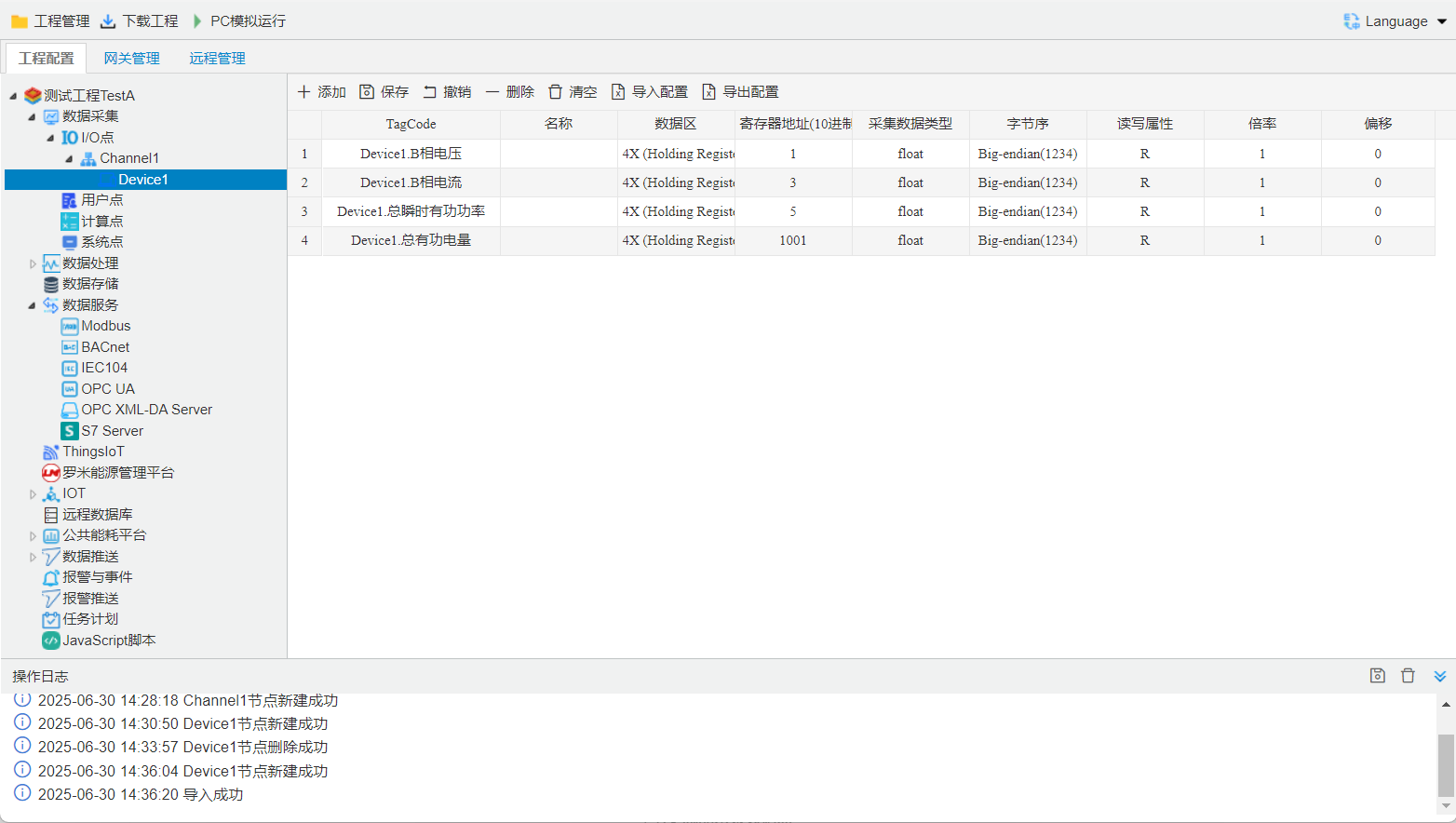
Left-click to select the device for which you want to create new data points. The data points already configured under that device will be displayed on the right, where you can add, delete, and modify them in the table.
You can use [Export Configuration] and [Import Configuration] to export the current configuration to Excel, configure it using Excel software, and then import it back into the configuration tool.